Verified proof
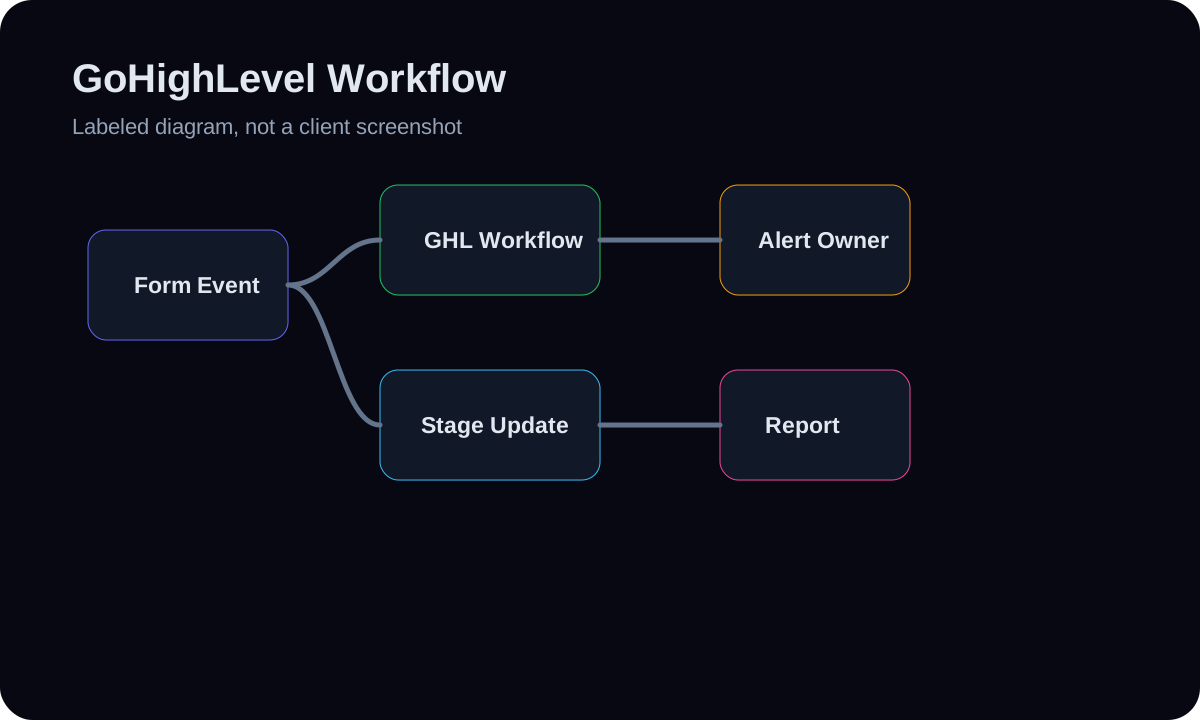
GoHighLevel workflow diagram
A diagram for inbound form events, GHL pipeline updates, automation branching, and owner alerts.
- GoHighLevel
- Zapier
- Discord
- Twilio
Real automation screenshots and diagrams, with validation and alerts treated as first-class proof.
Built with real HMX tool paths
Real build proof for this service — workflow screenshots and architecture diagrams.
Verified proof
A diagram for inbound form events, GHL pipeline updates, automation branching, and owner alerts.
Verified proof
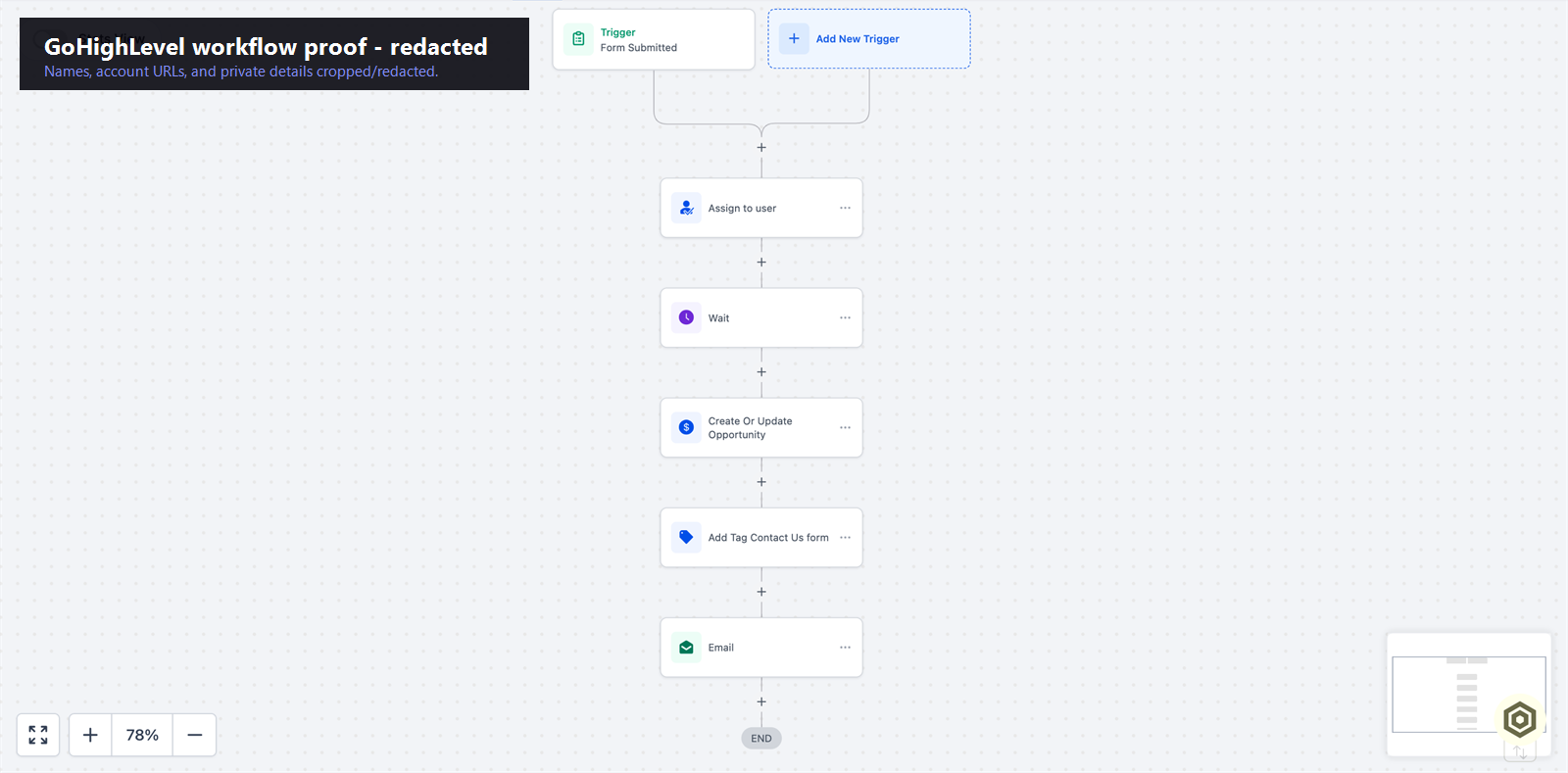
A real GoHighLevel workflow showing a form-triggered automation path into the CRM.
Verified proof
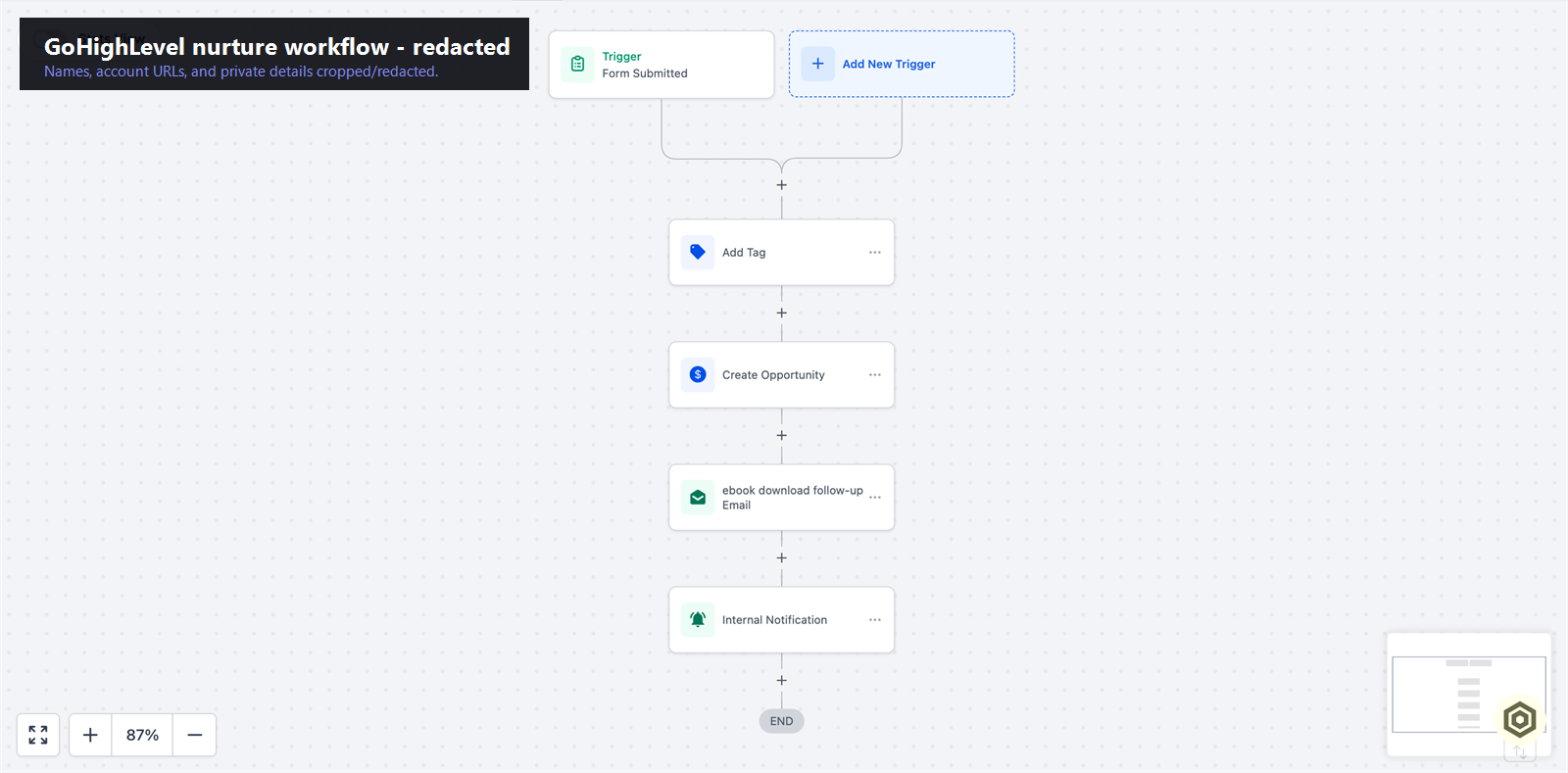
A real multi-step nurture automation built in GoHighLevel.
Verified proof
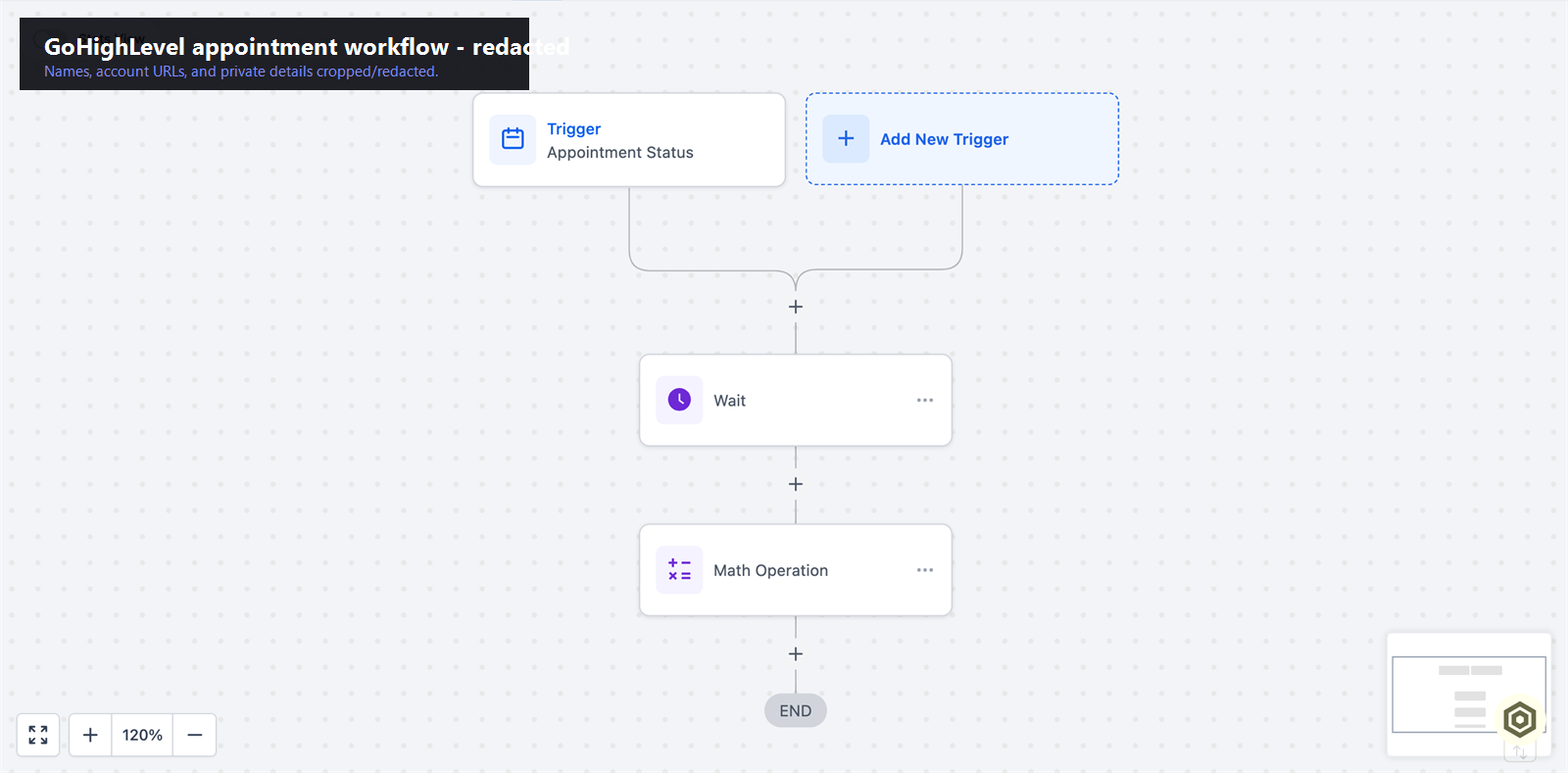
A real appointment-triggered confirmation and reminder automation in GoHighLevel.
Verified proof
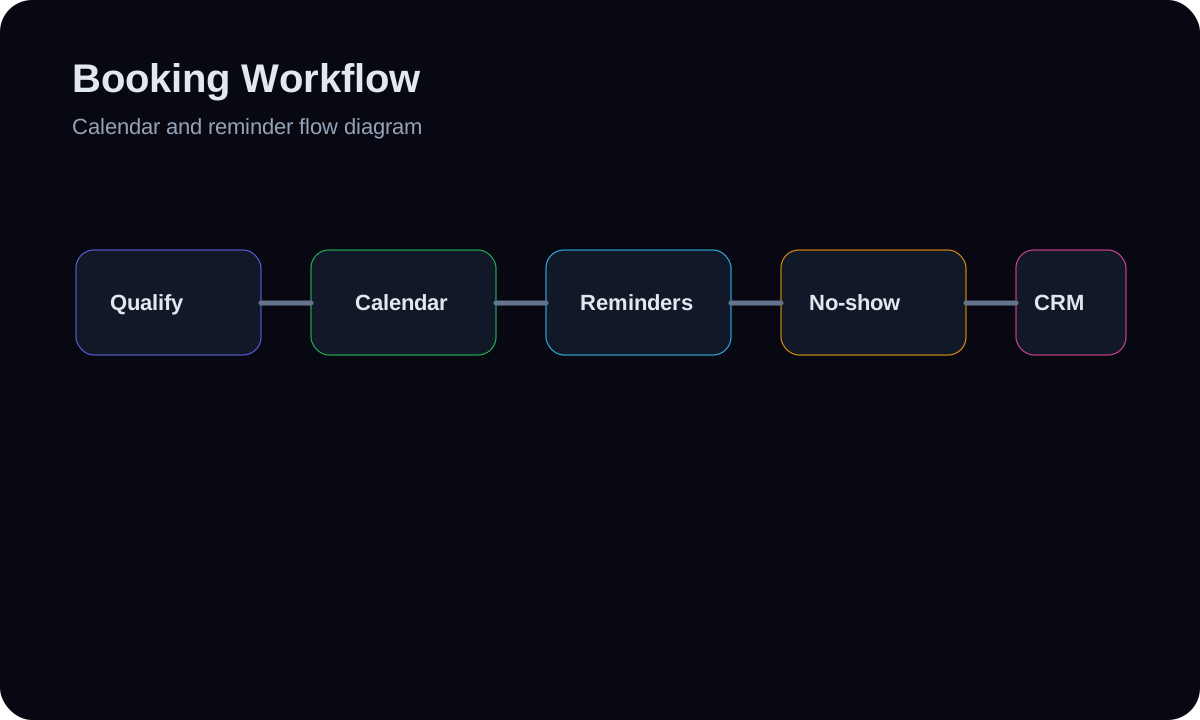
A diagram for qualification gates, calendar selection, reminders, no-show recovery, and CRM updates.
Verified proof
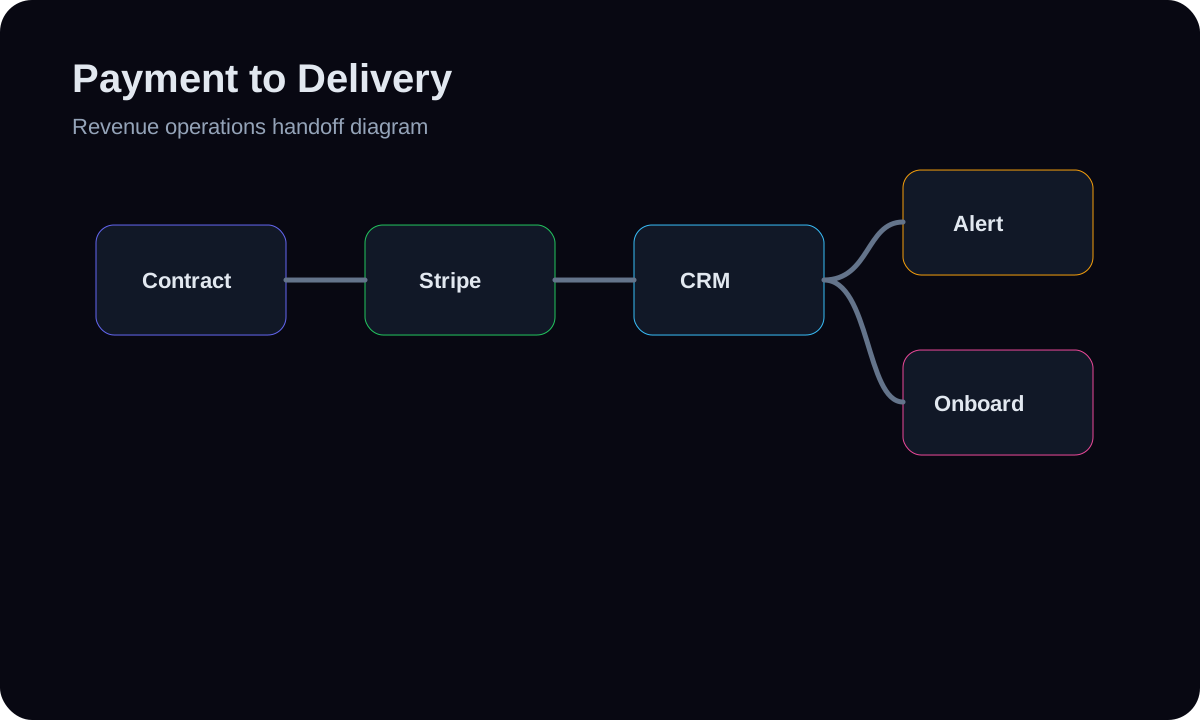
A deal-to-delivery workflow for payment status, CRM stage updates, internal alerts, and onboarding.
Verified proof
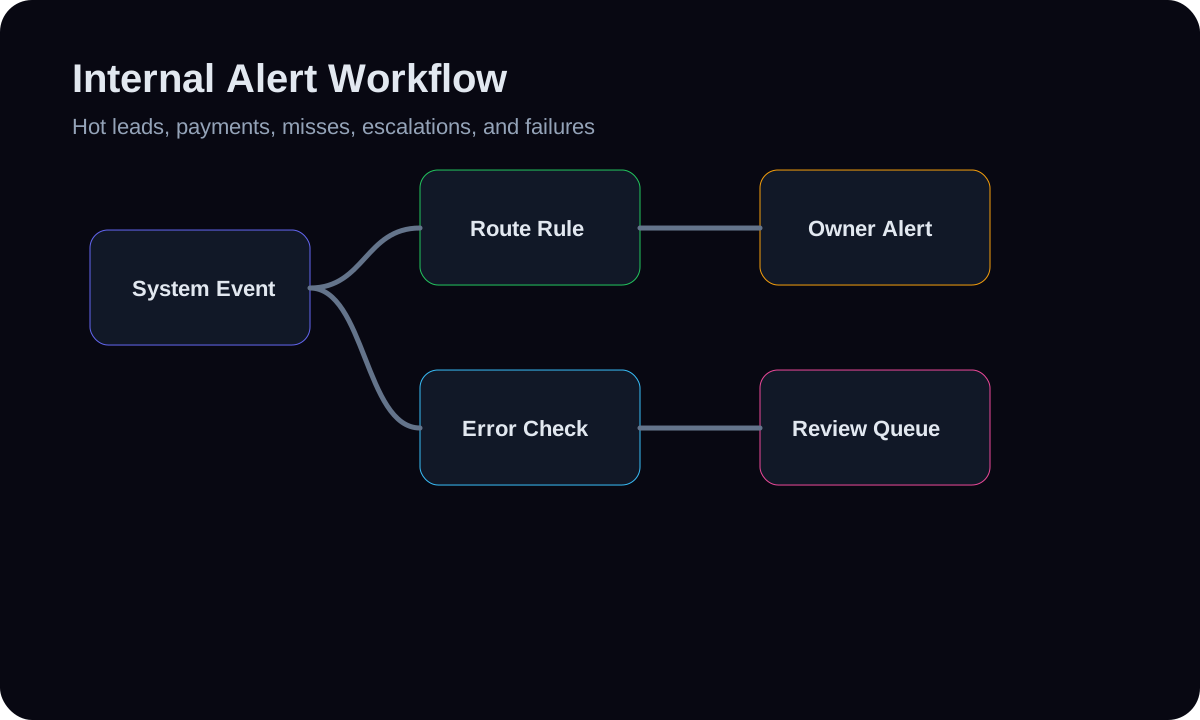
A routing diagram for hot leads, payment events, missed follow-ups, escalation, and failure alerts.
Verified proof
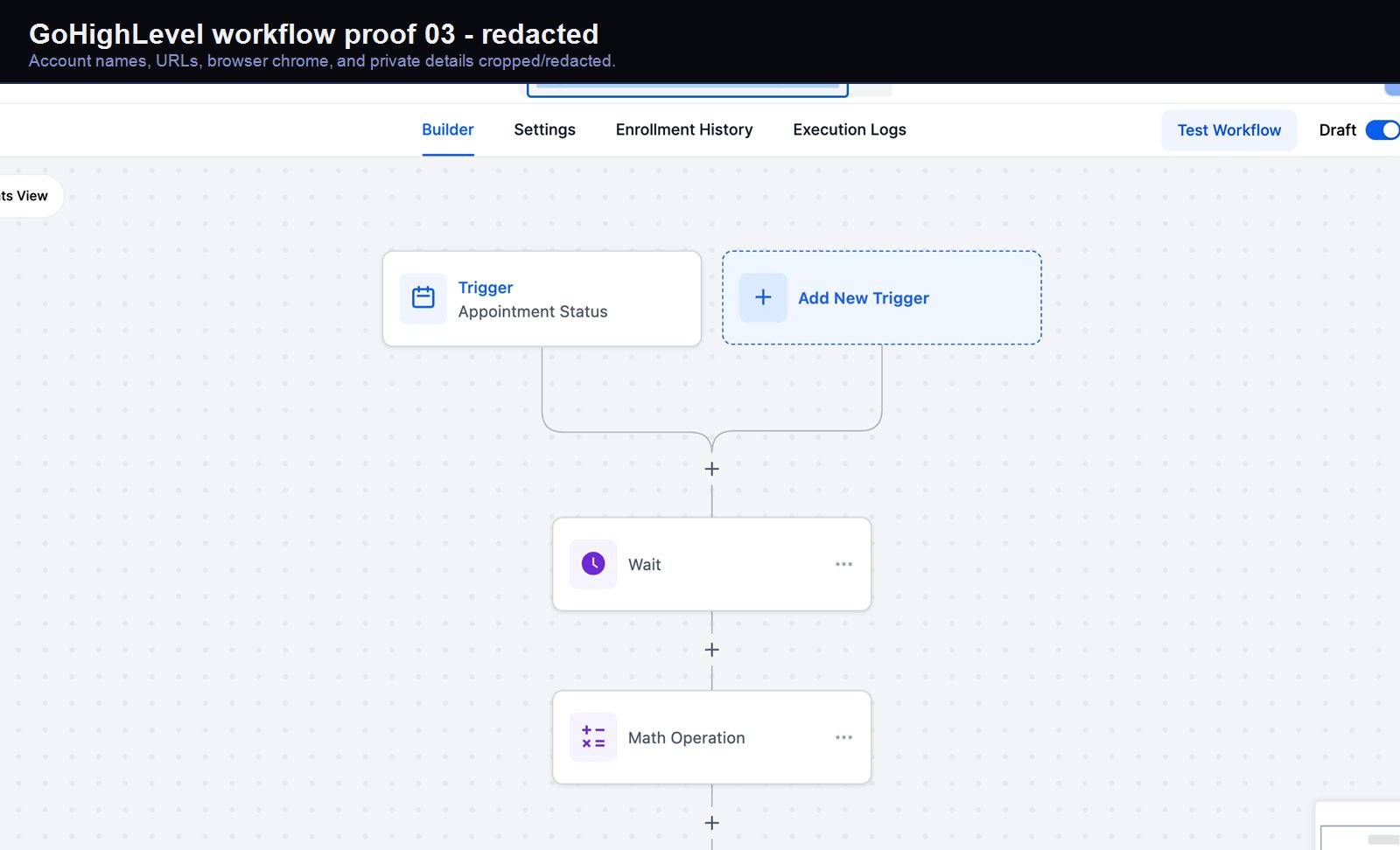
A real GoHighLevel workflow build from the HMX automation archive.
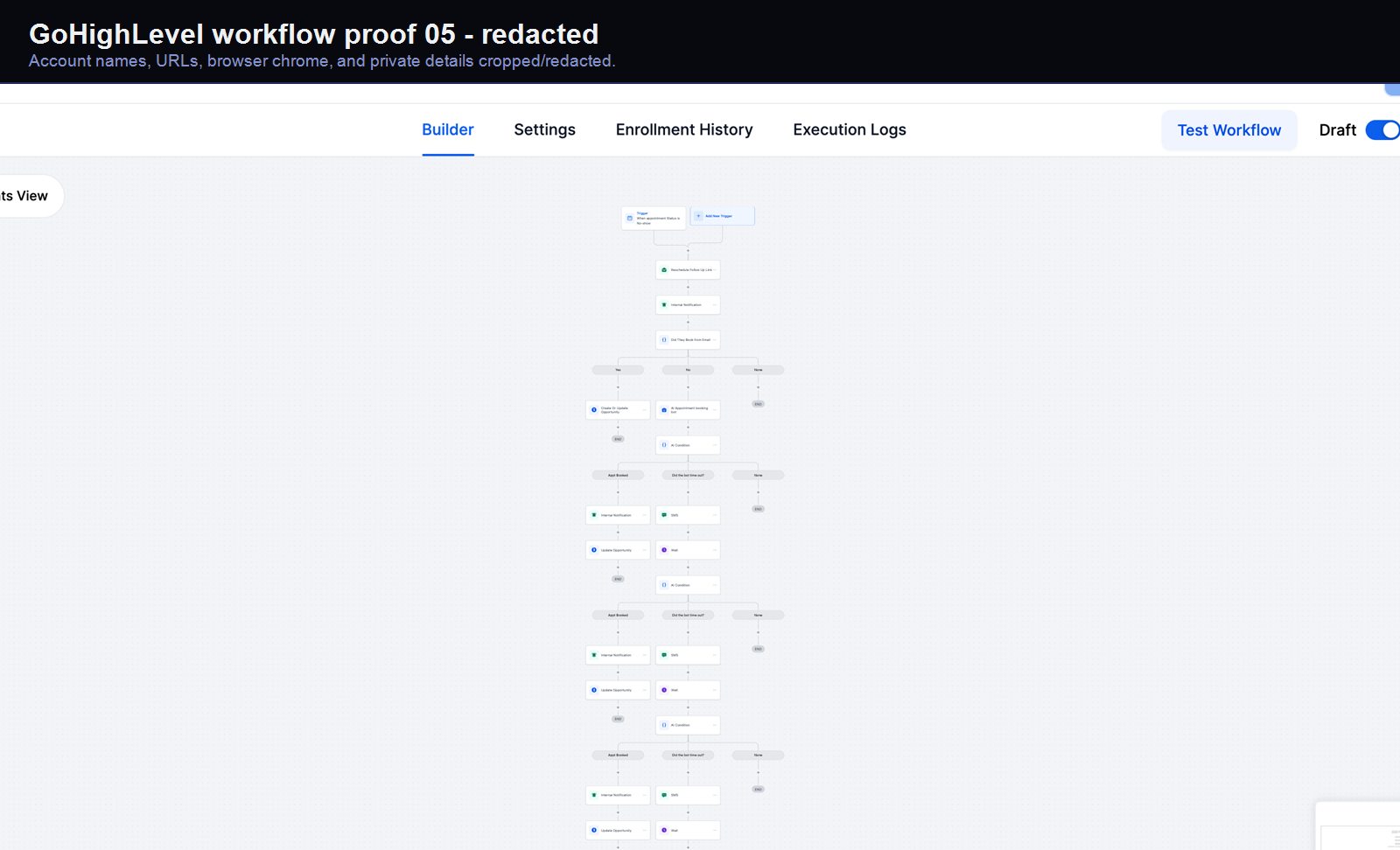
Verified proof
A real GoHighLevel workflow build from the HMX automation archive.
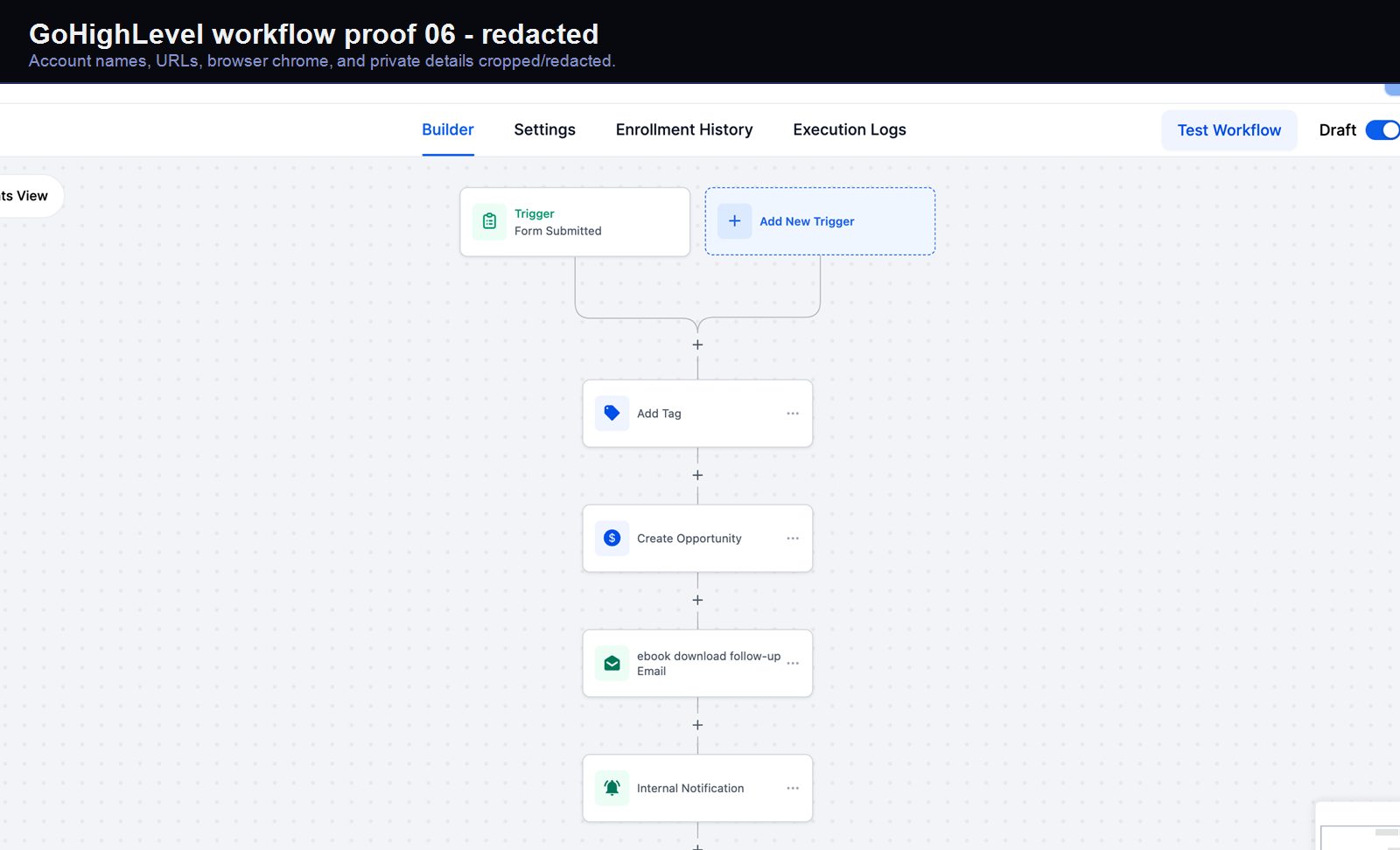
Verified proof
A real GoHighLevel workflow build from the HMX automation archive.
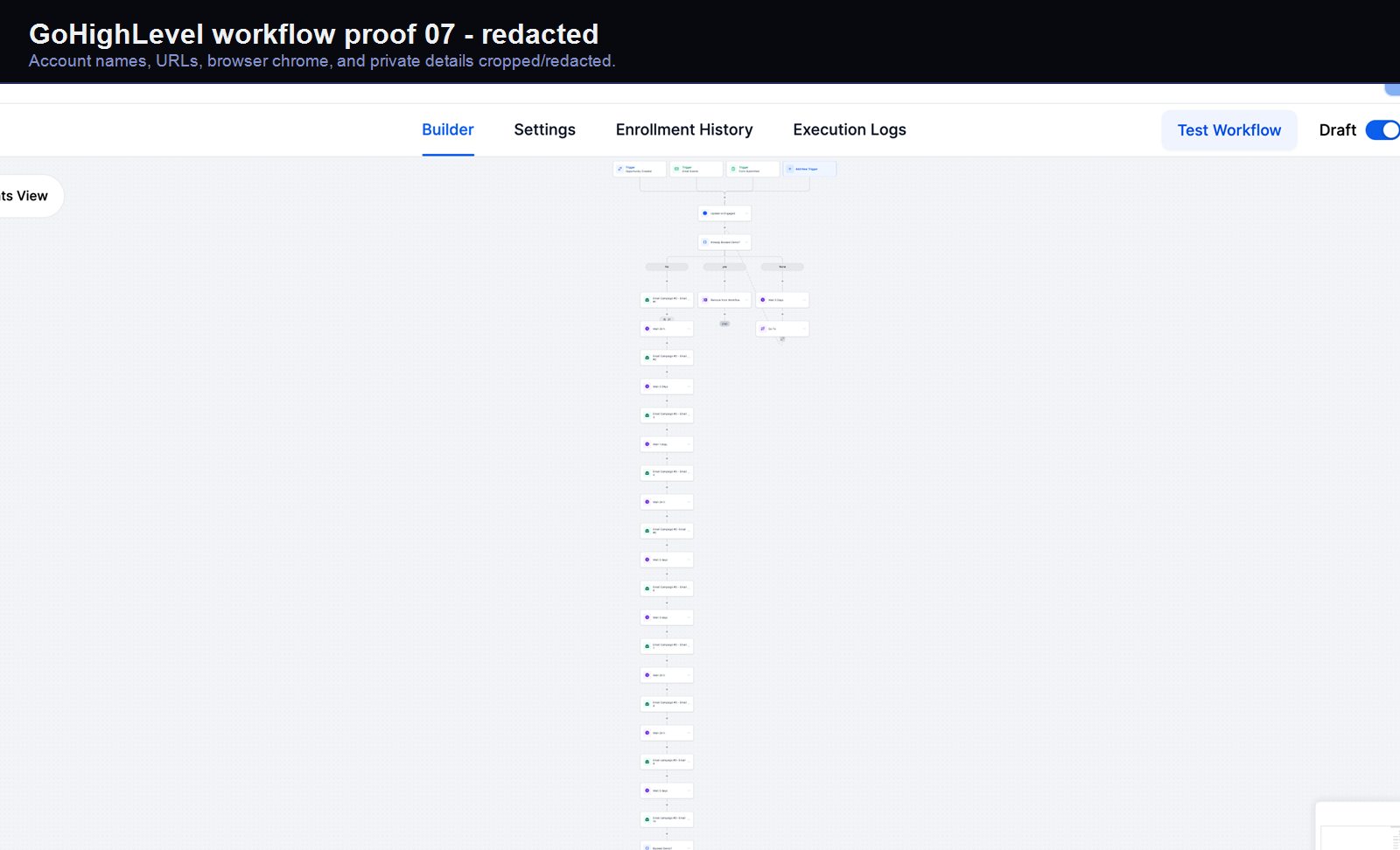
Verified proof
A real GoHighLevel workflow build from the HMX automation archive.
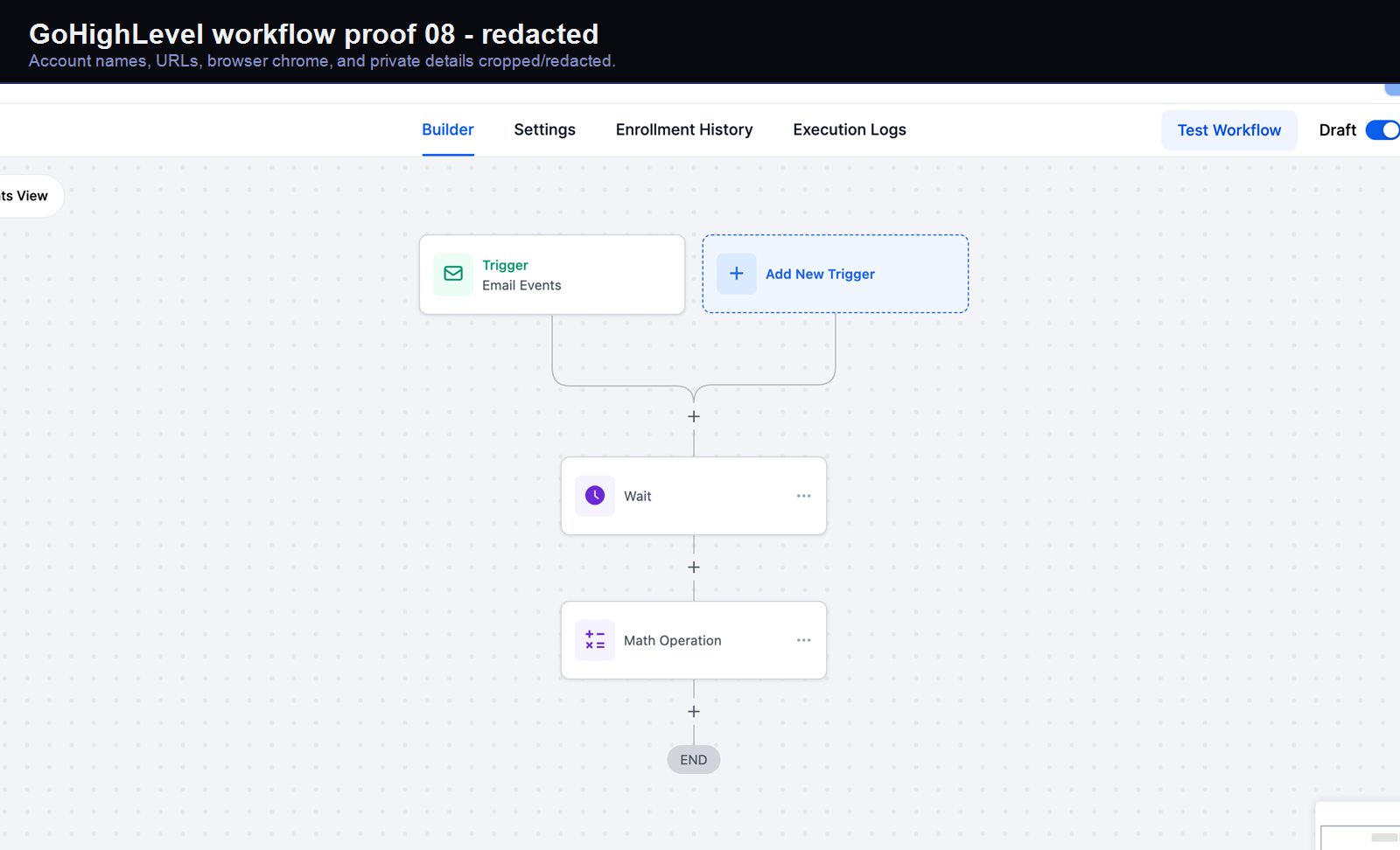
Verified proof
A real GoHighLevel workflow build from the HMX automation archive.
Verified proof
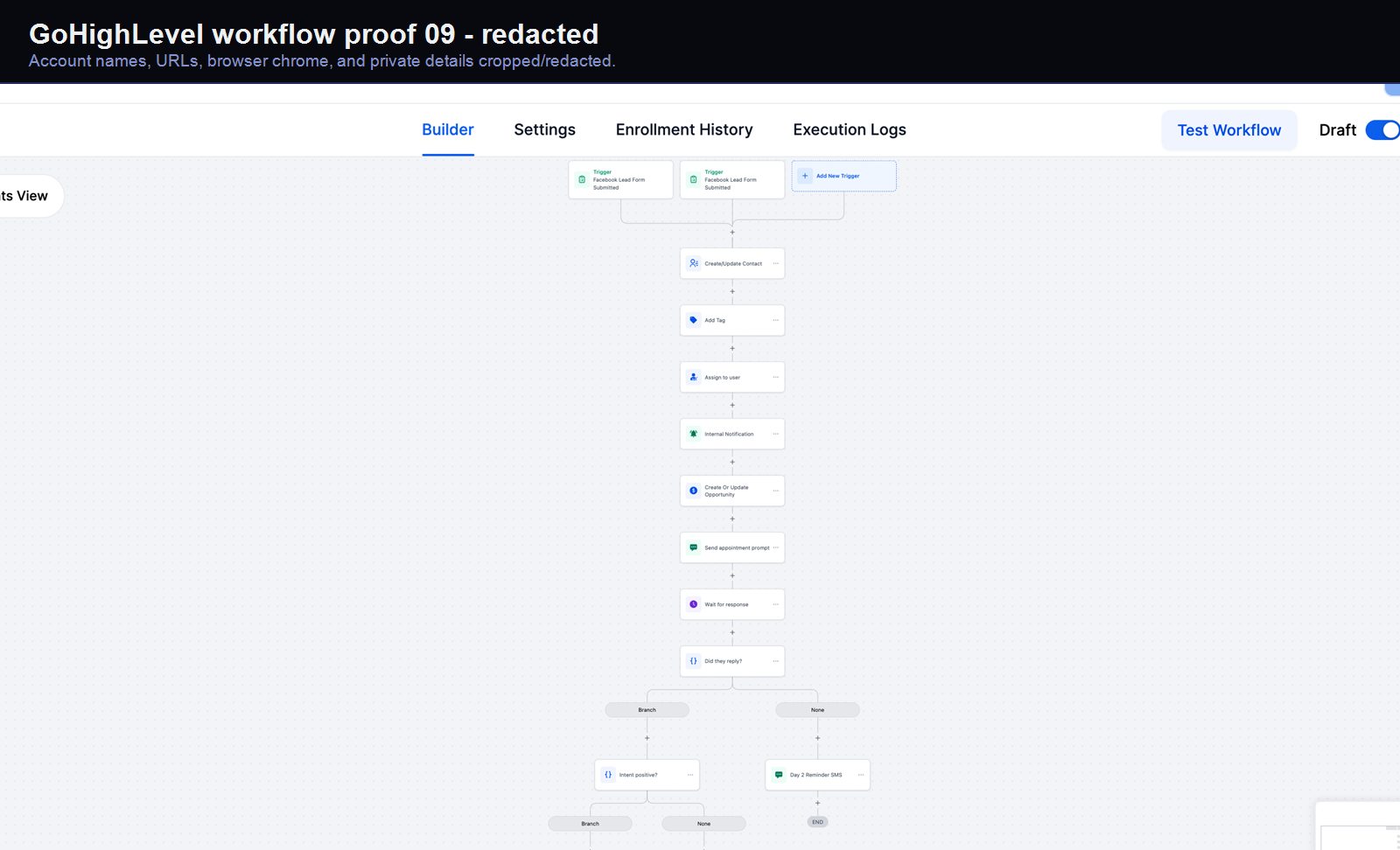
A real GoHighLevel workflow build from the HMX automation archive.
Verified proof
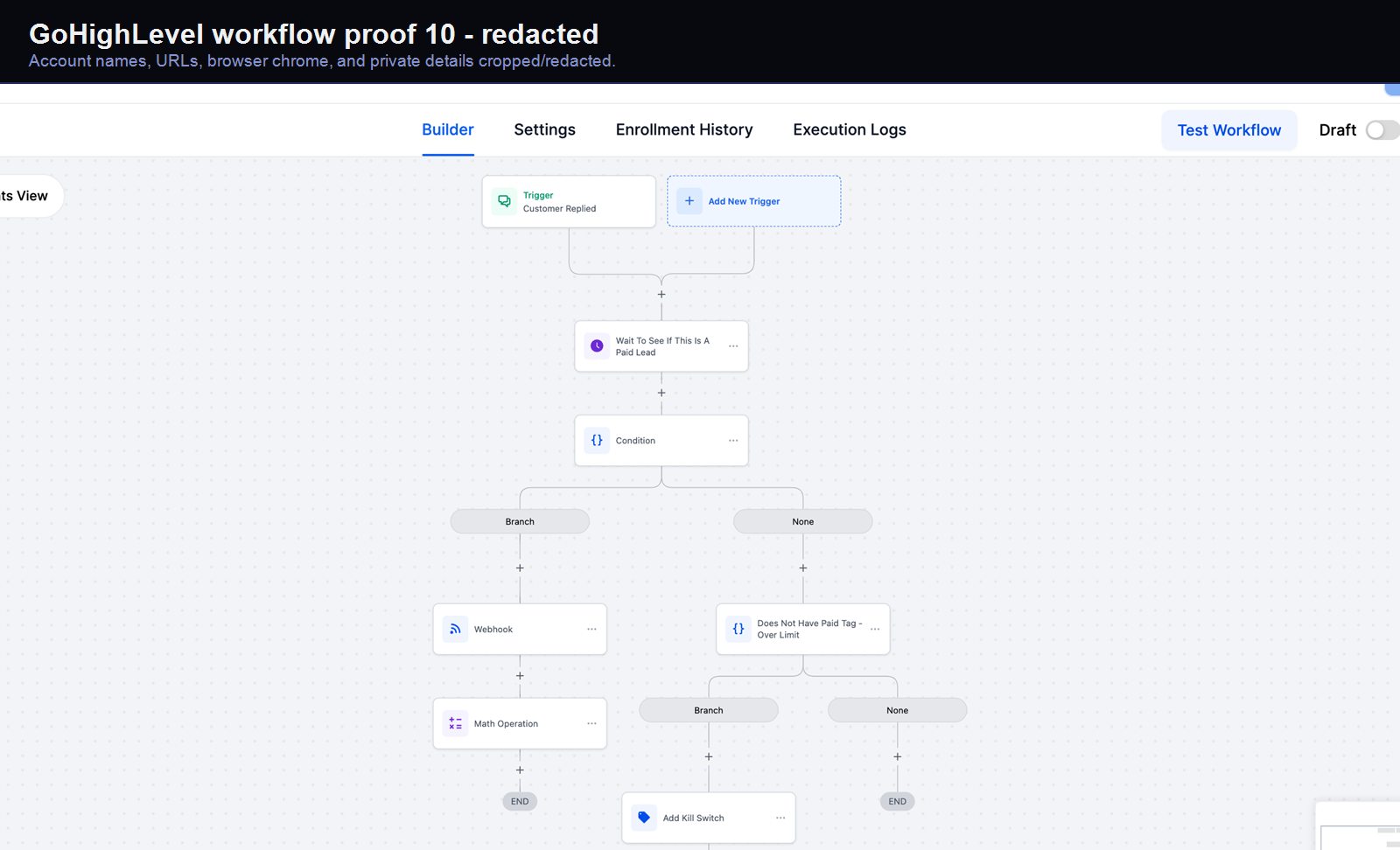
A real GoHighLevel workflow build from the HMX automation archive.
Verified proof
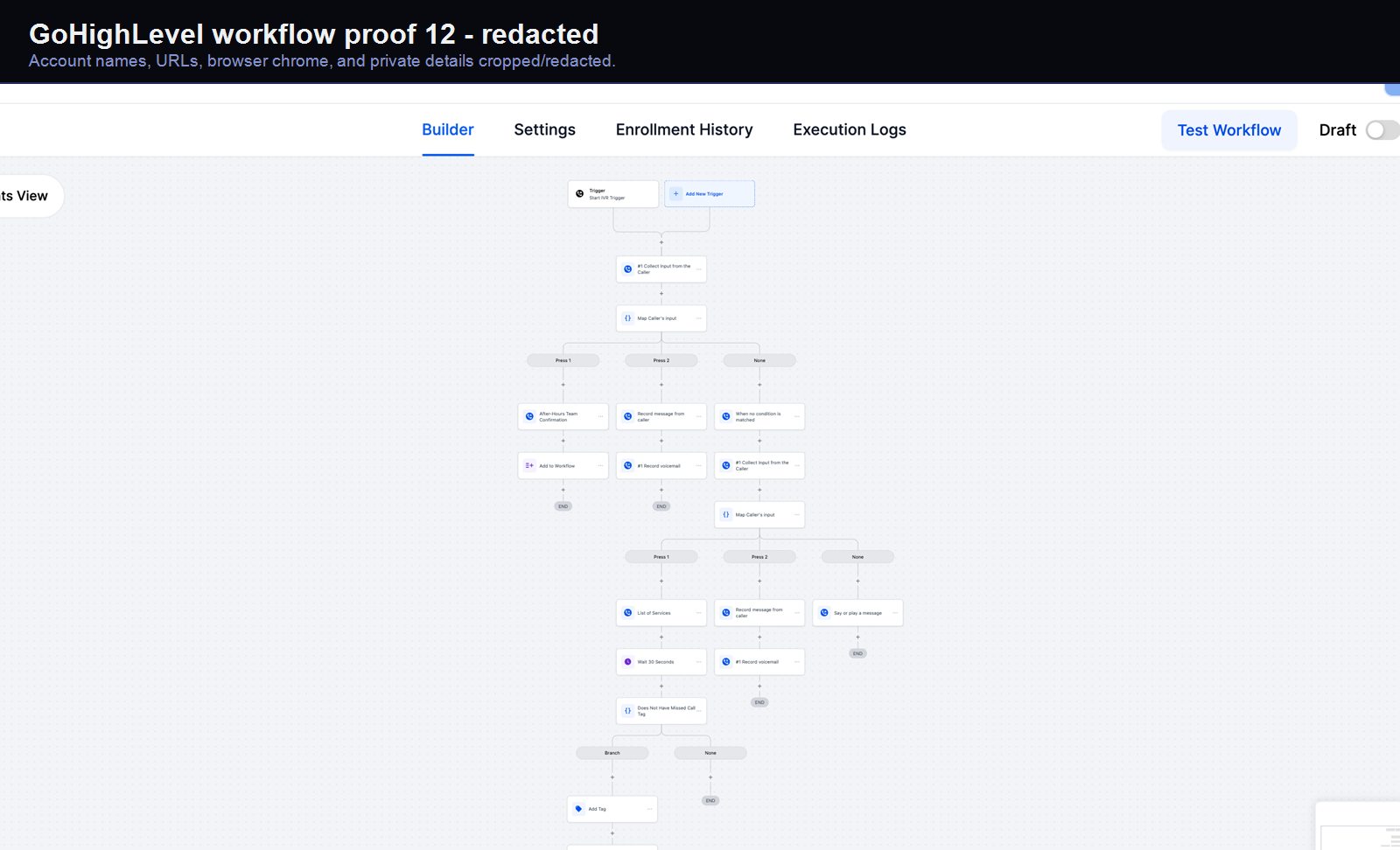
A real GoHighLevel workflow build from the HMX automation archive.
Verified proof
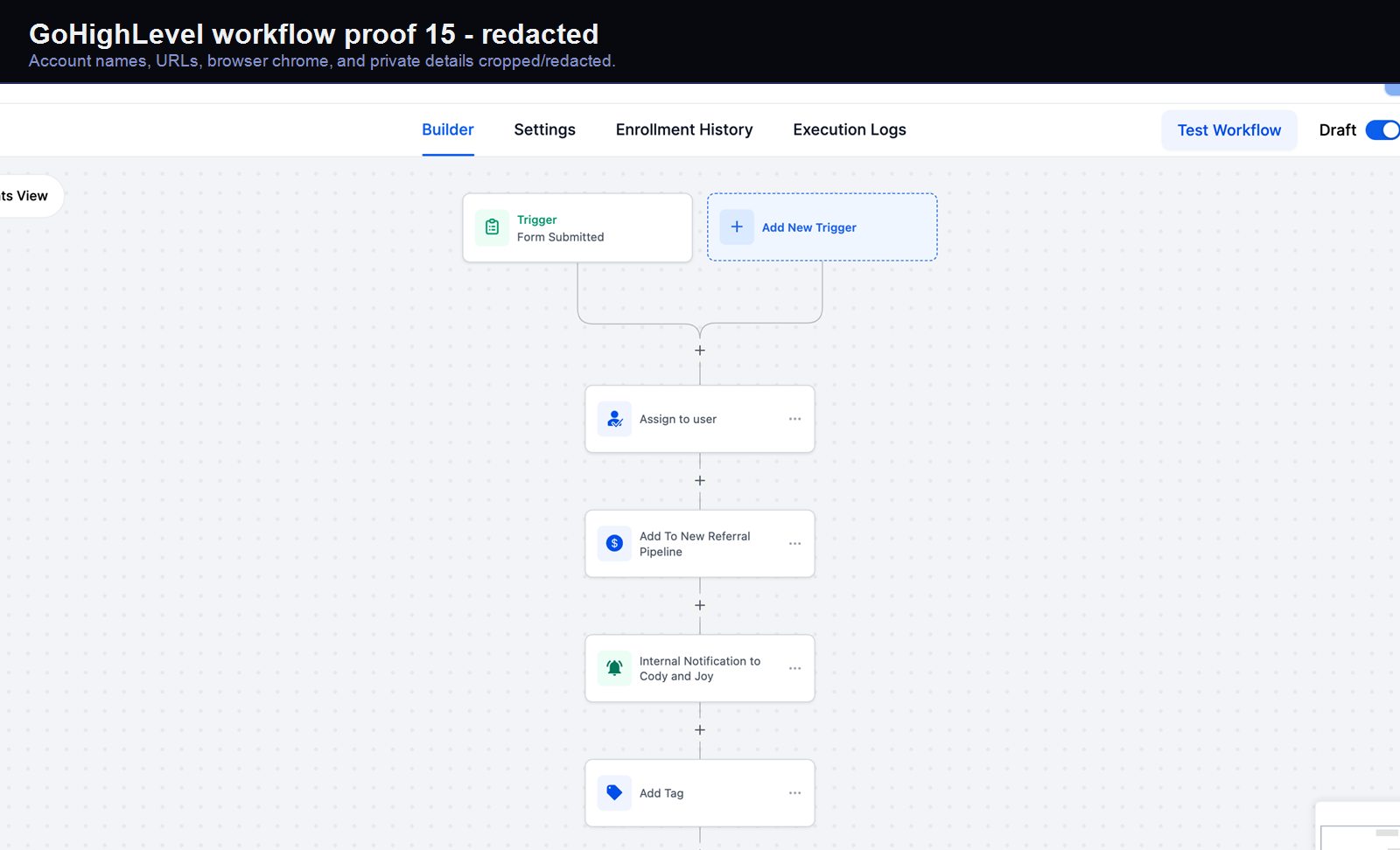
A real GoHighLevel workflow build from the HMX automation archive.
Verified proof
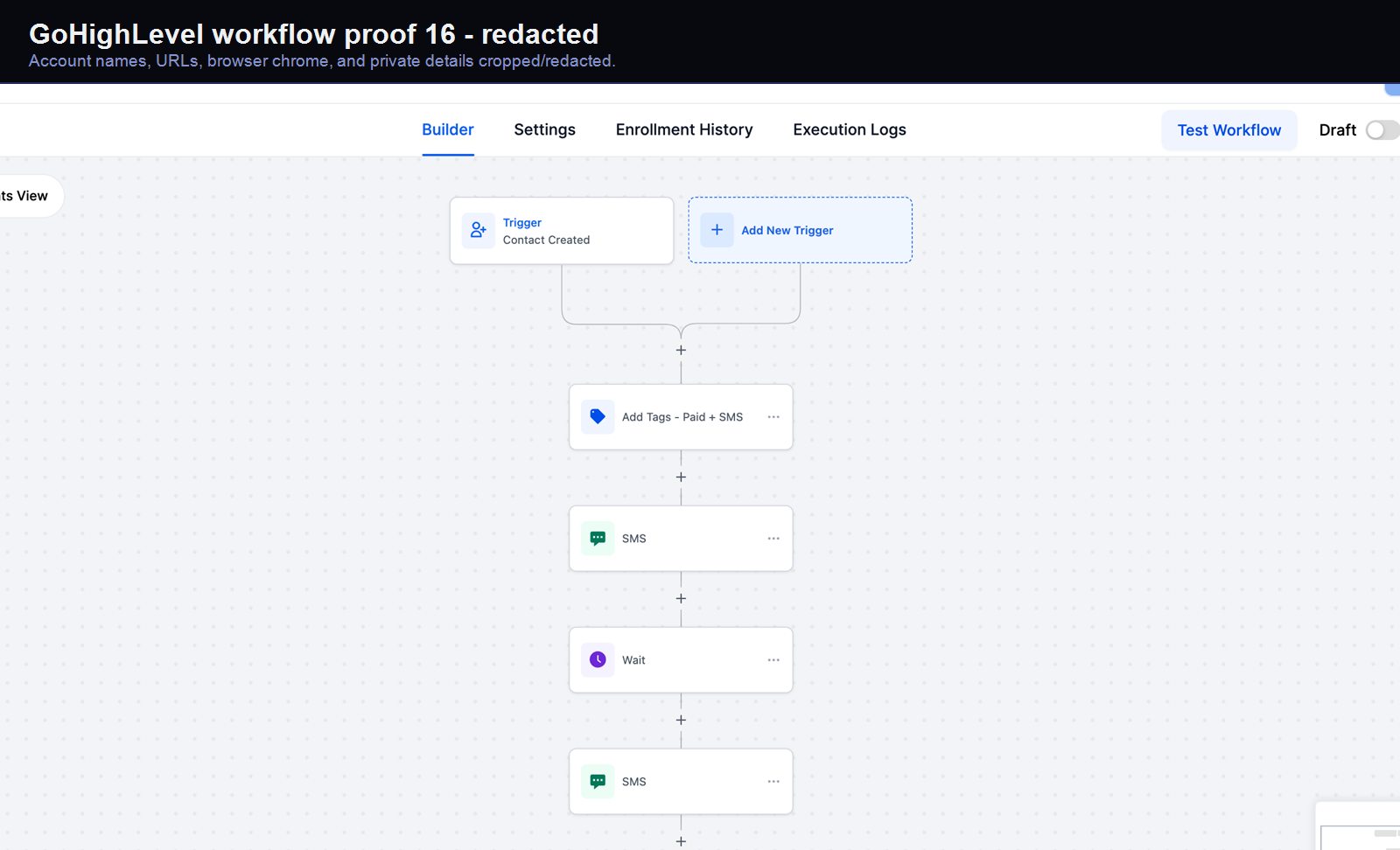
A real GoHighLevel workflow build from the HMX automation archive.
Verified proof
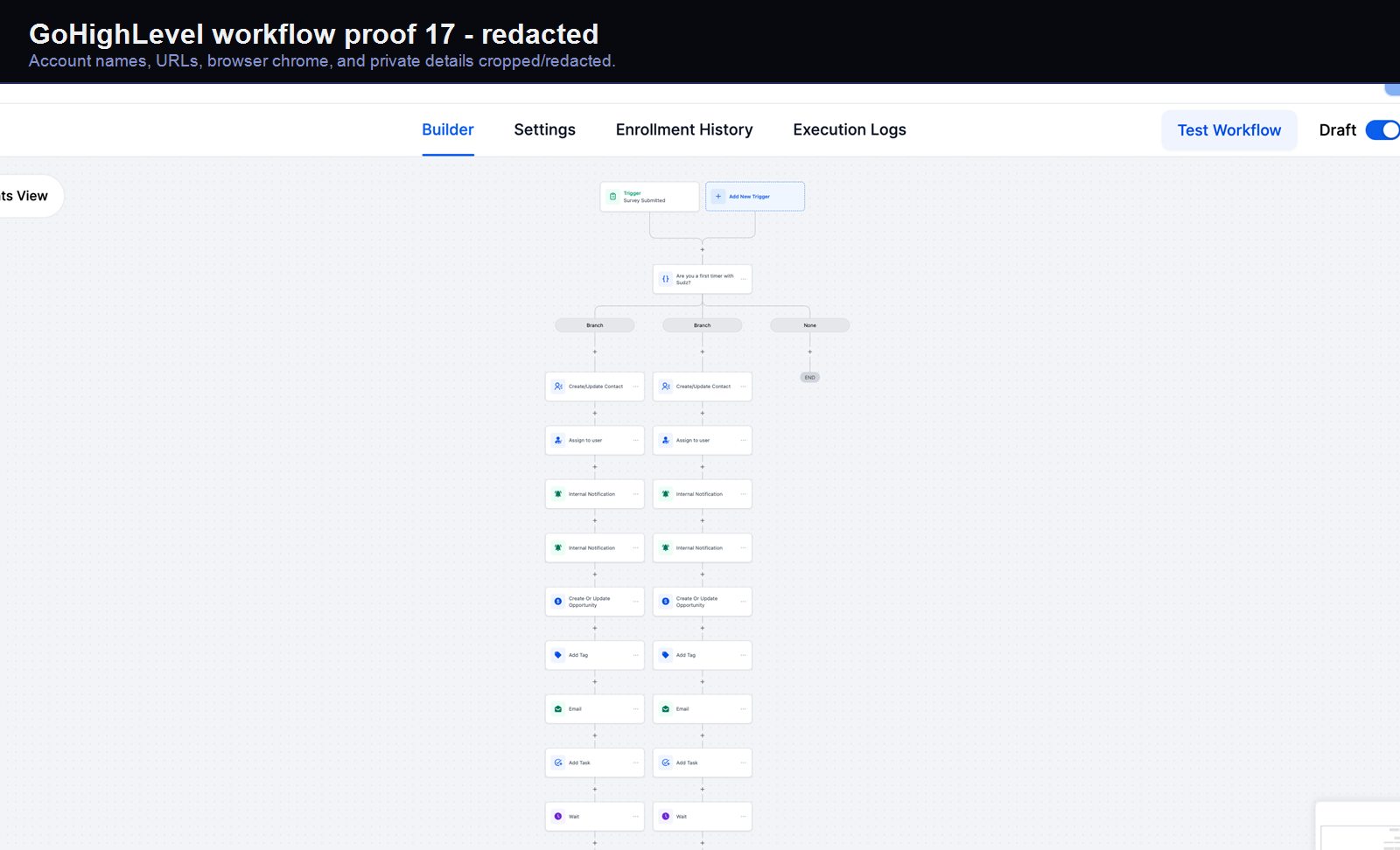
A real GoHighLevel workflow build from the HMX automation archive.
Verified proof
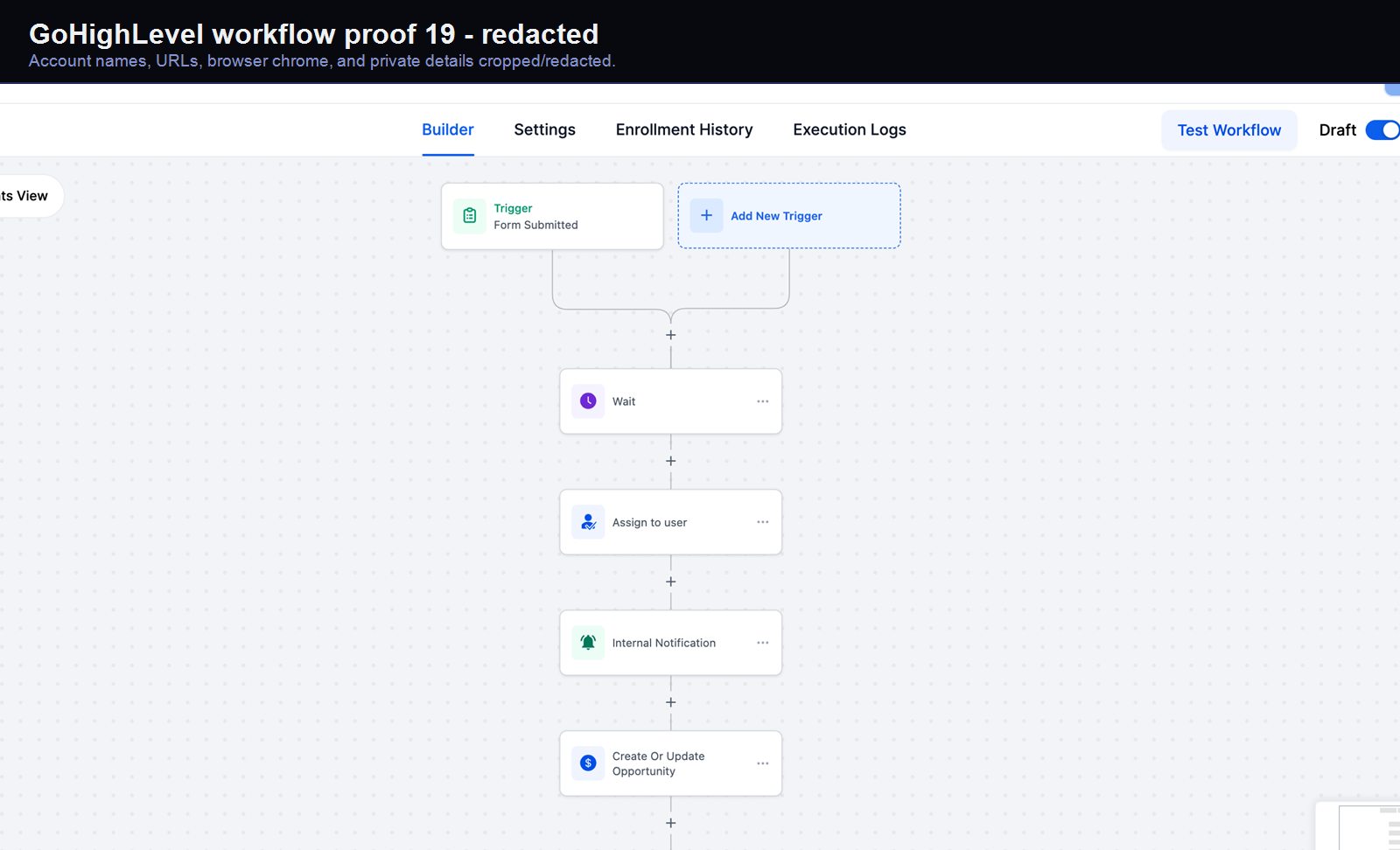
A real GoHighLevel workflow build from the HMX automation archive.
Verified proof
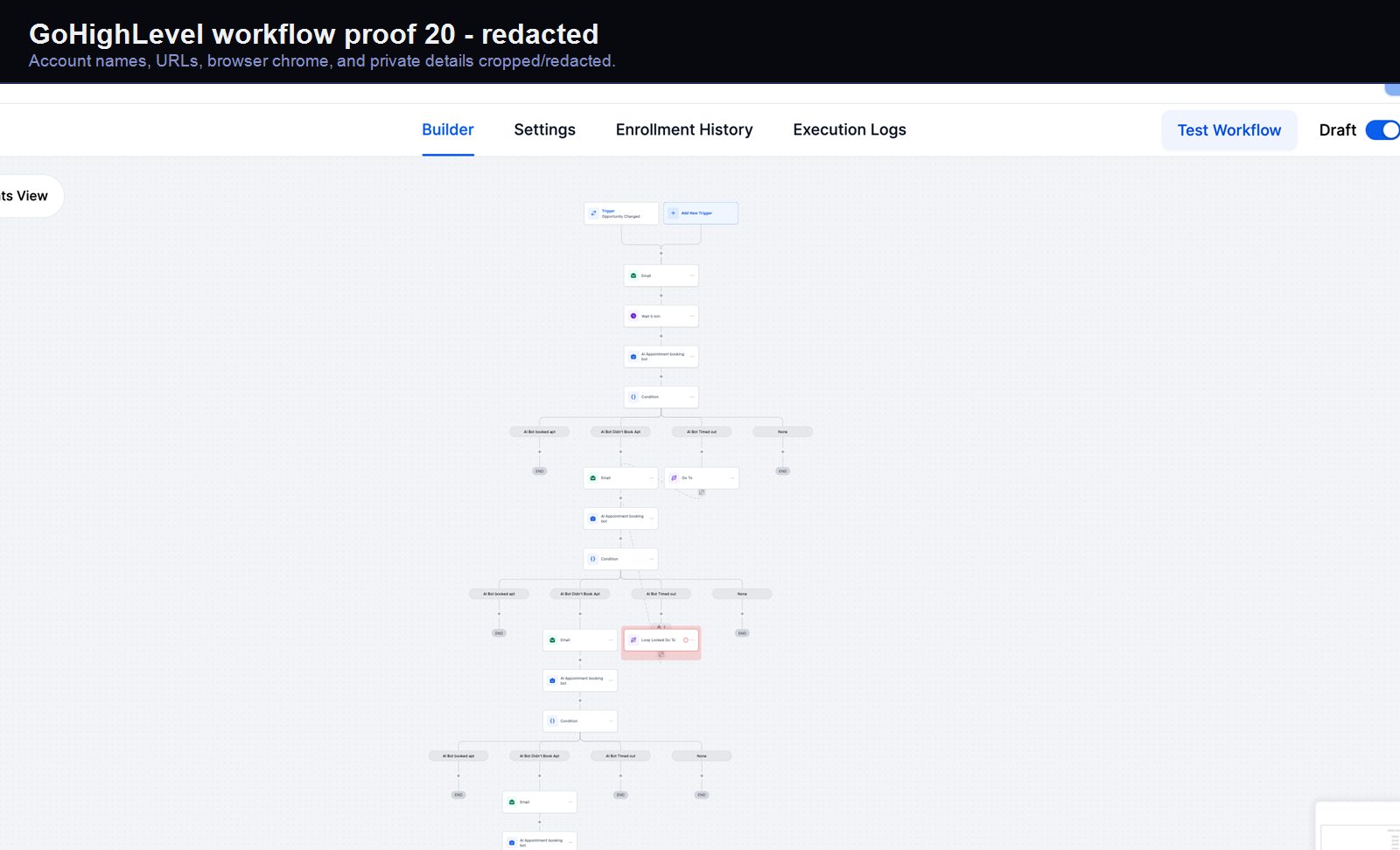
A real GoHighLevel workflow build from the HMX automation archive.
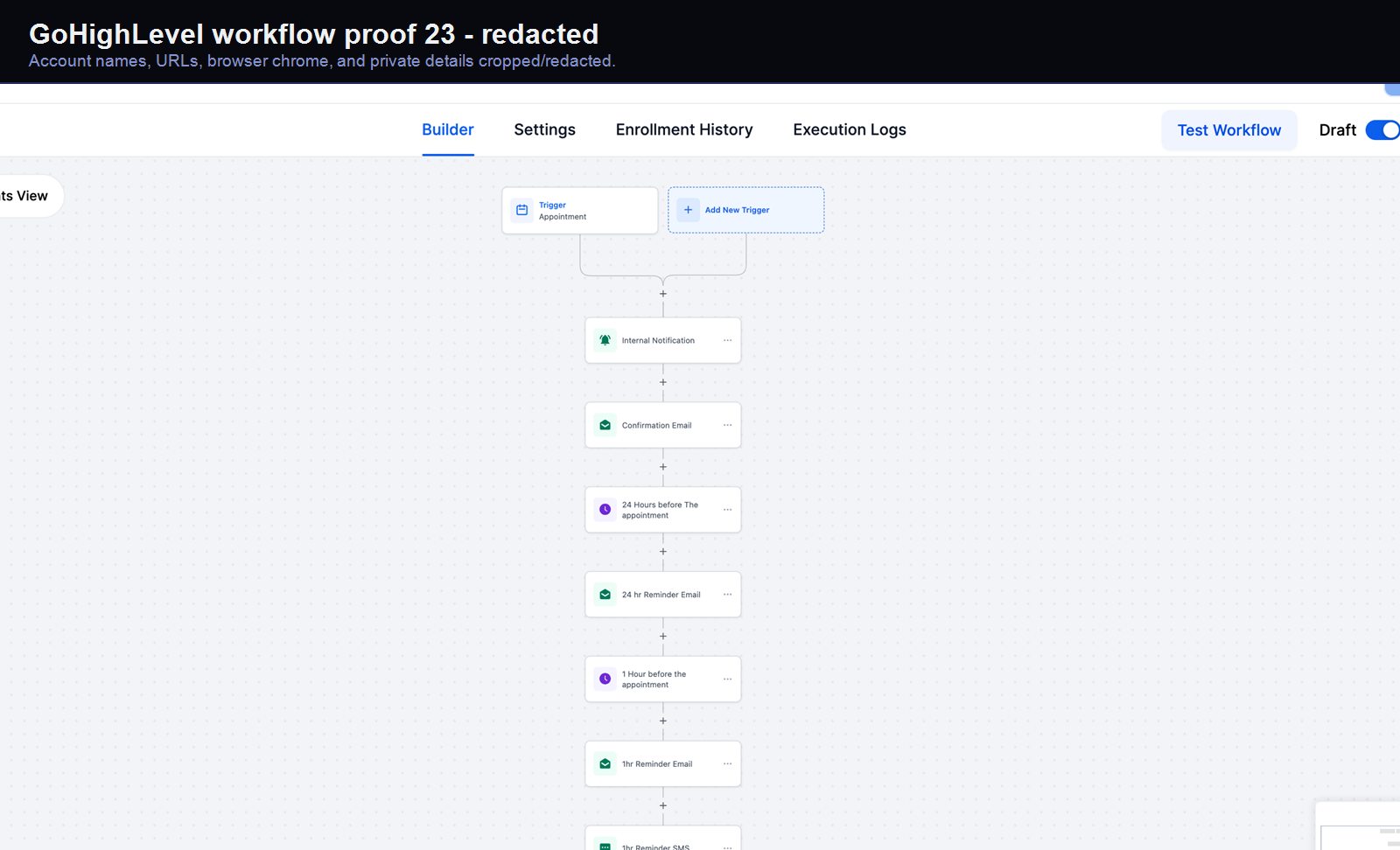
Verified proof
A real GoHighLevel workflow build from the HMX automation archive.
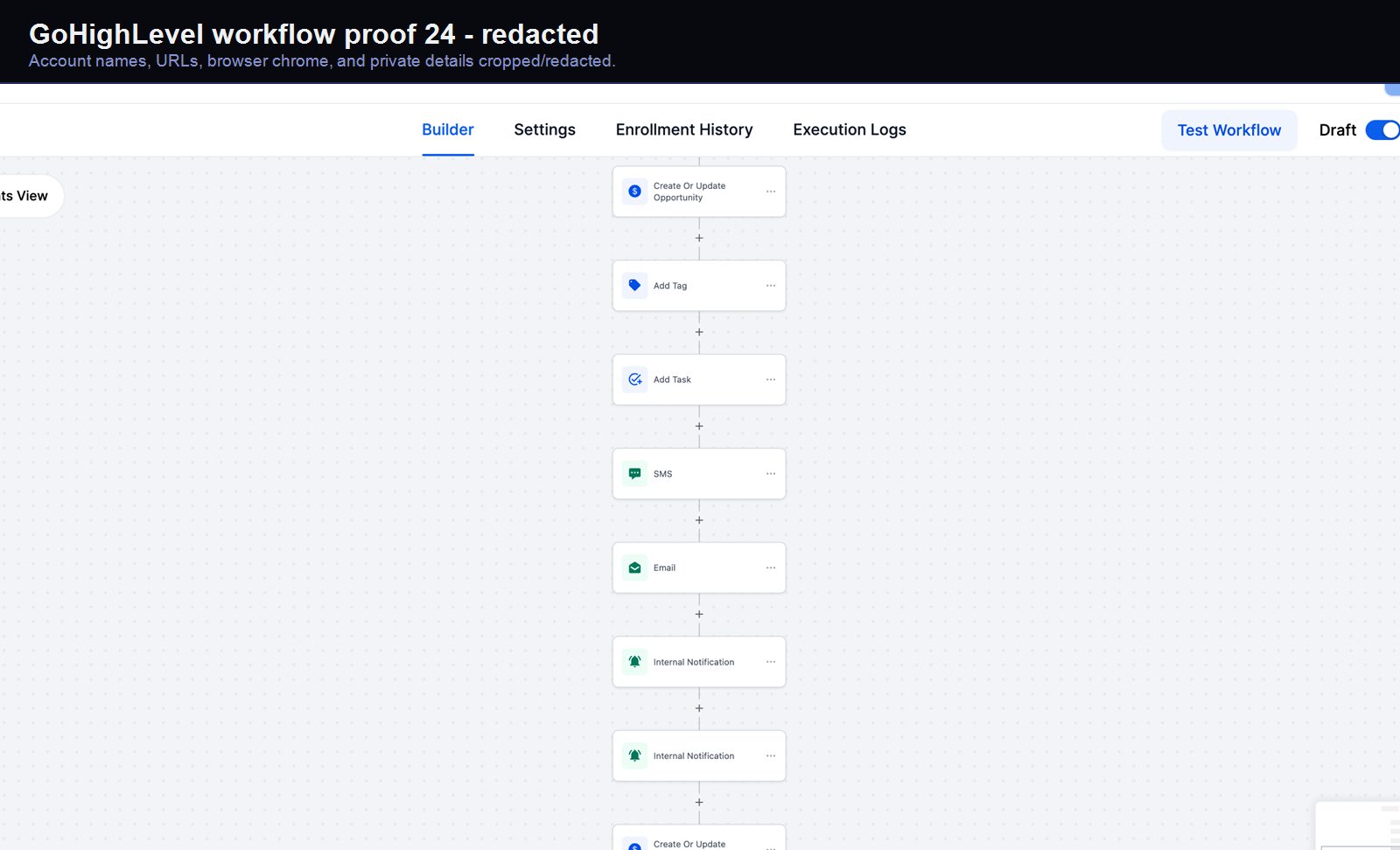
Verified proof
A real GoHighLevel workflow build from the HMX automation archive.
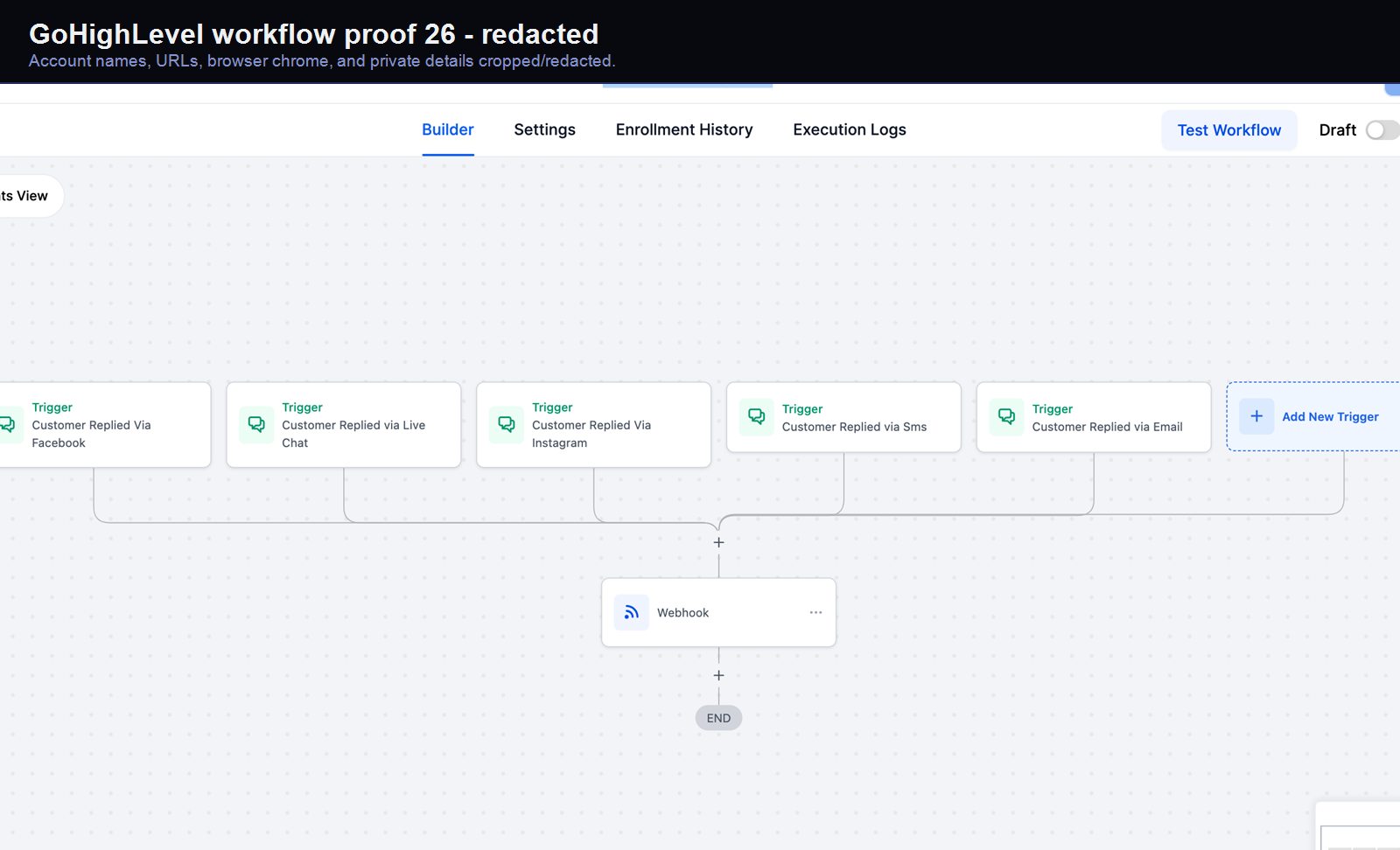
Verified proof
A real GoHighLevel workflow build from the HMX automation archive.
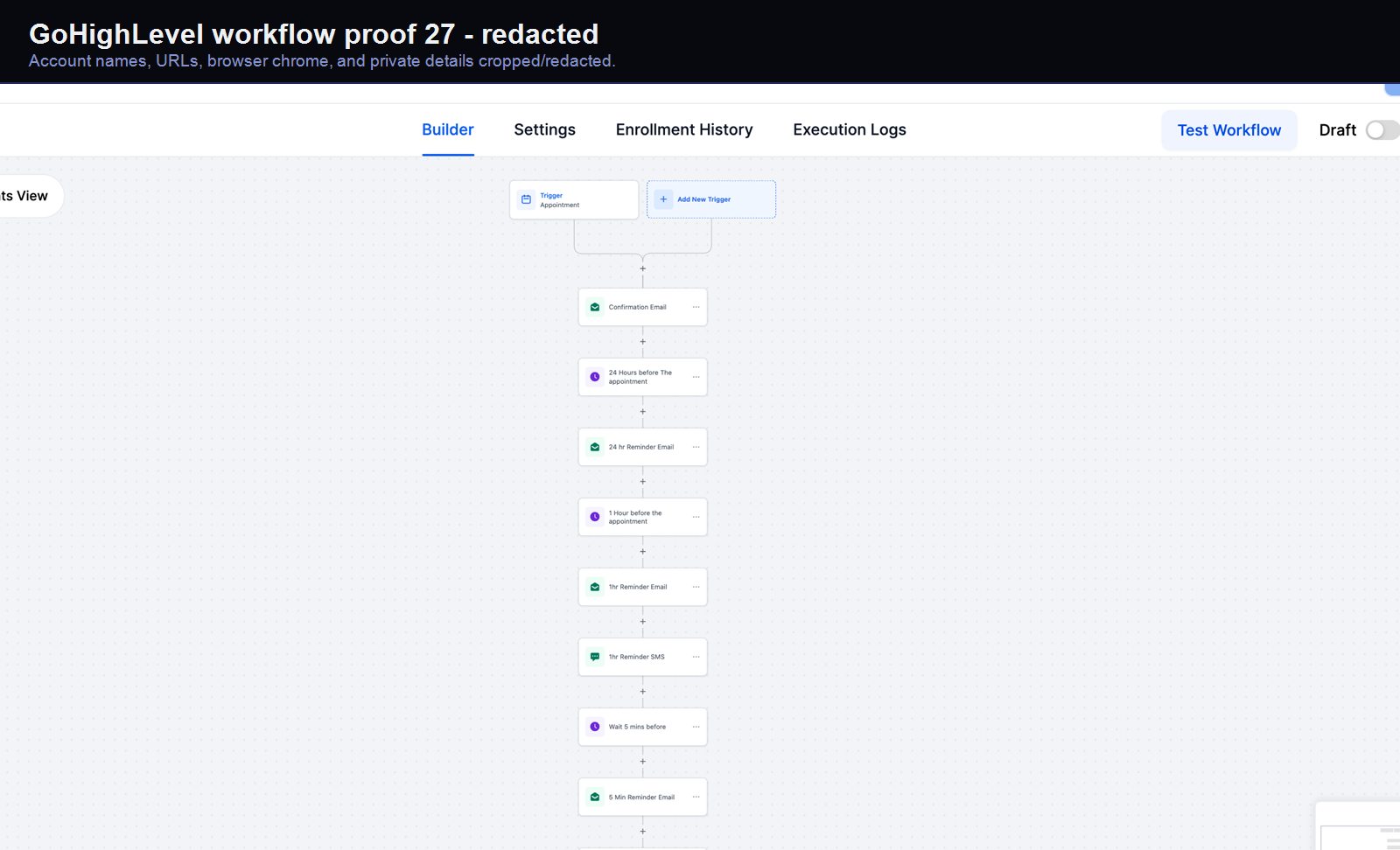
Verified proof
A real GoHighLevel workflow build from the HMX automation archive.
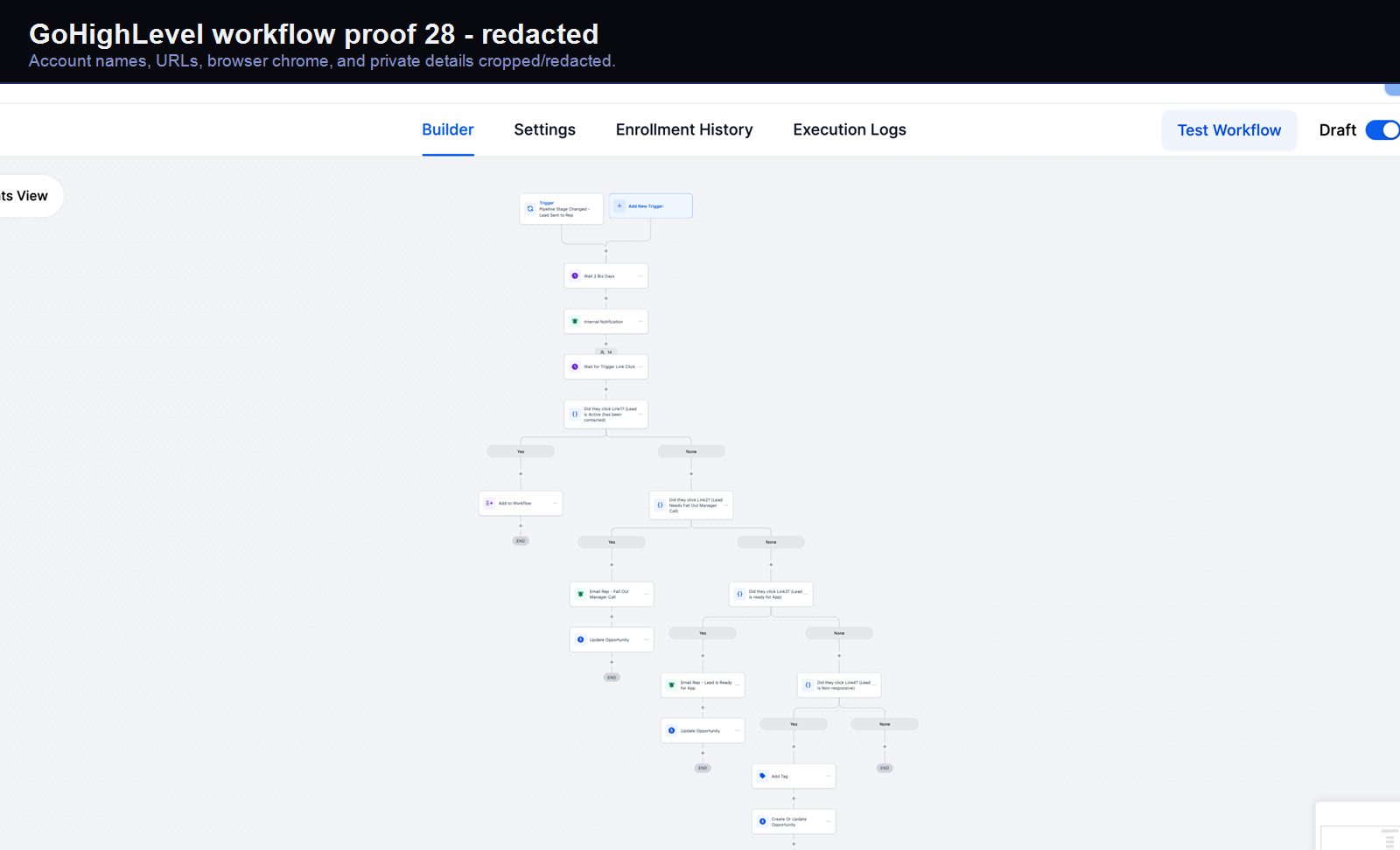
Verified proof
A real GoHighLevel workflow build from the HMX automation archive.
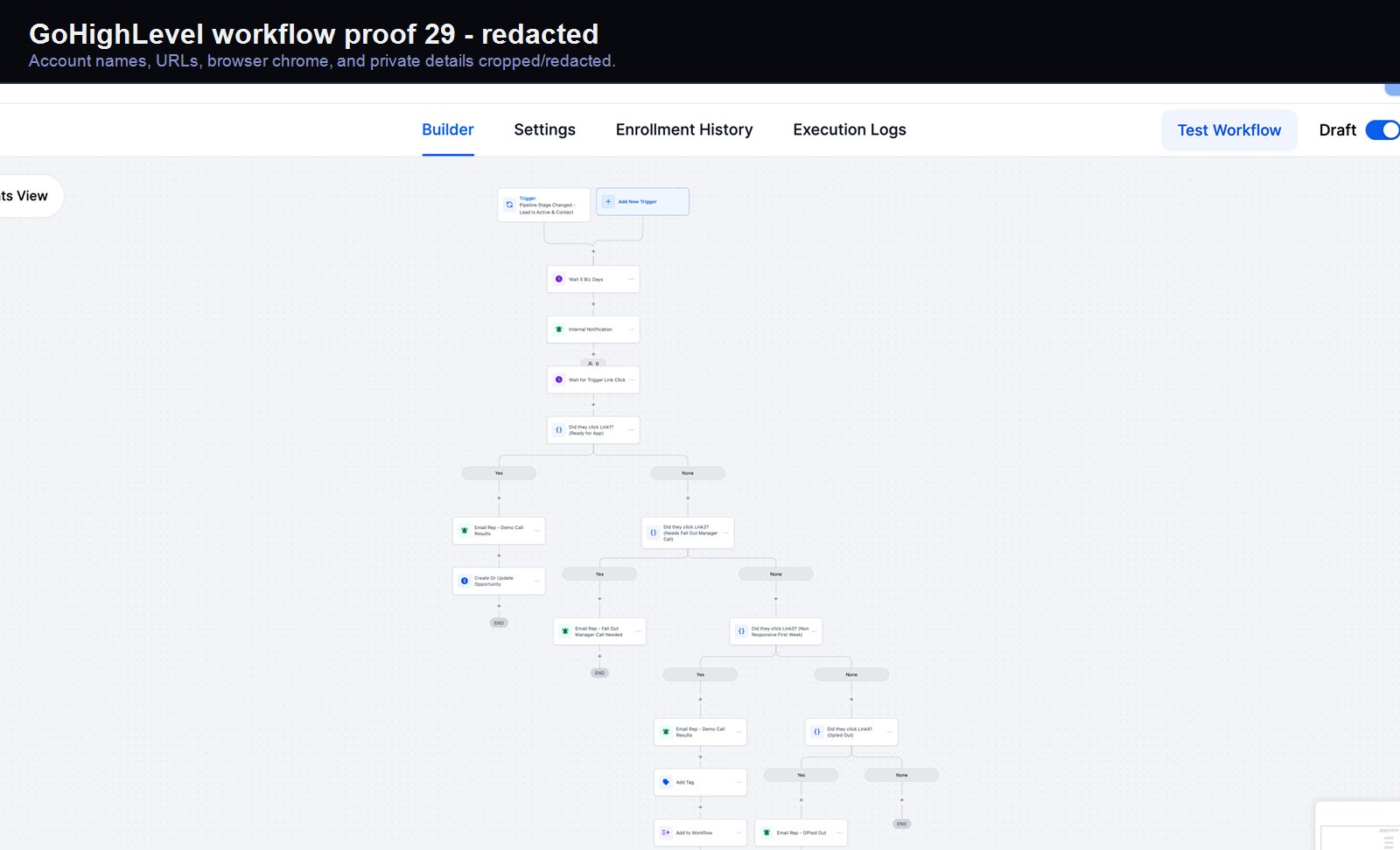
Verified proof
A real GoHighLevel workflow build from the HMX automation archive.
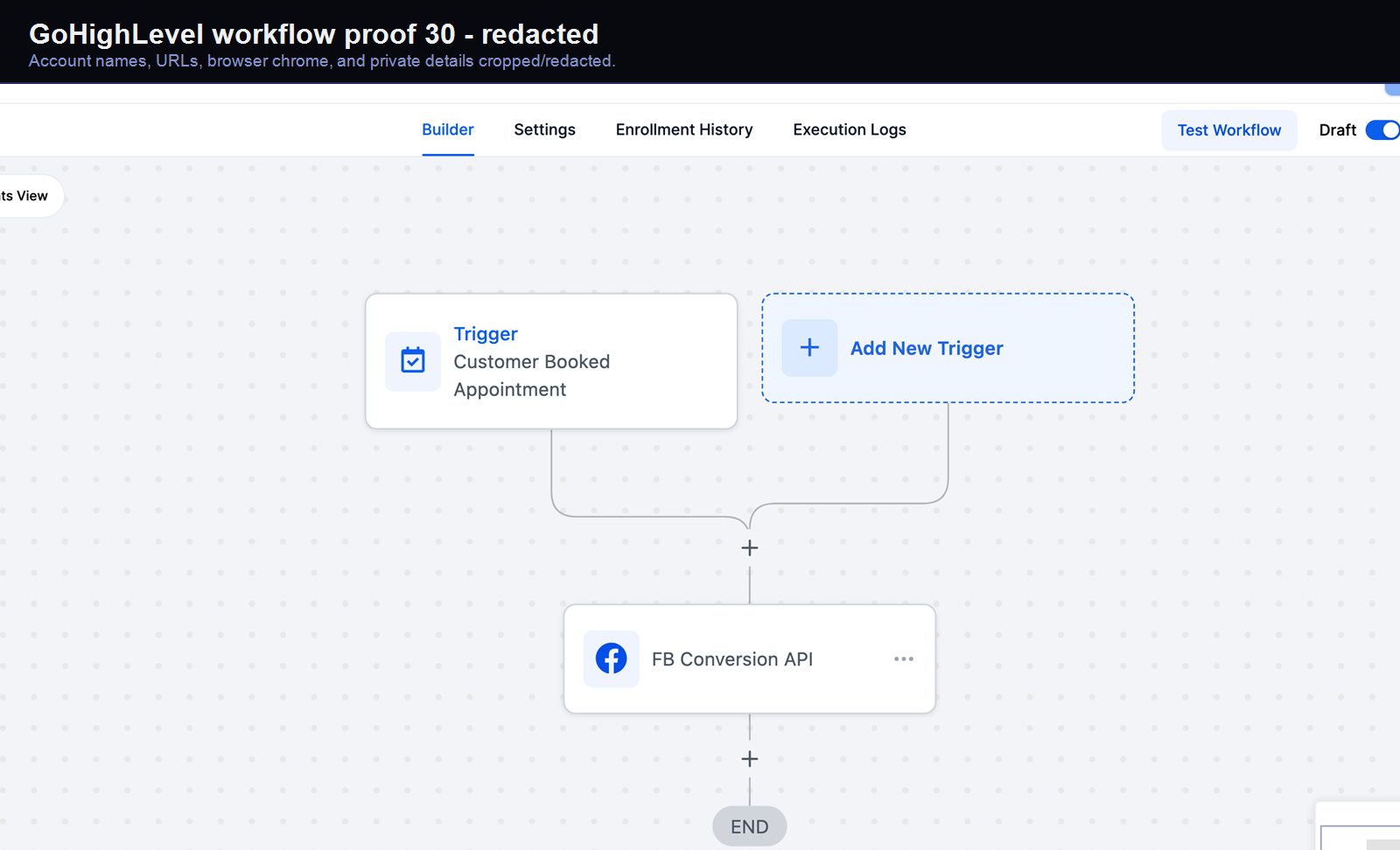
Verified proof
A real GoHighLevel workflow build from the HMX automation archive.
A trigger validates, writes back, and exposes the exception path.