CRM artifacts with the pipeline still visible.
Real CRM screenshots and workflow artifacts, staged as operating evidence rather than a loose gallery.
- 24
- case studies
- 20
- systems
- 10
- proof artifacts
- 3
- scope tiers
Built with real HMX CRM tool paths
CRM Systems
Proof
Real build proof for this service — workflow screenshots and architecture diagrams.
Verified proof
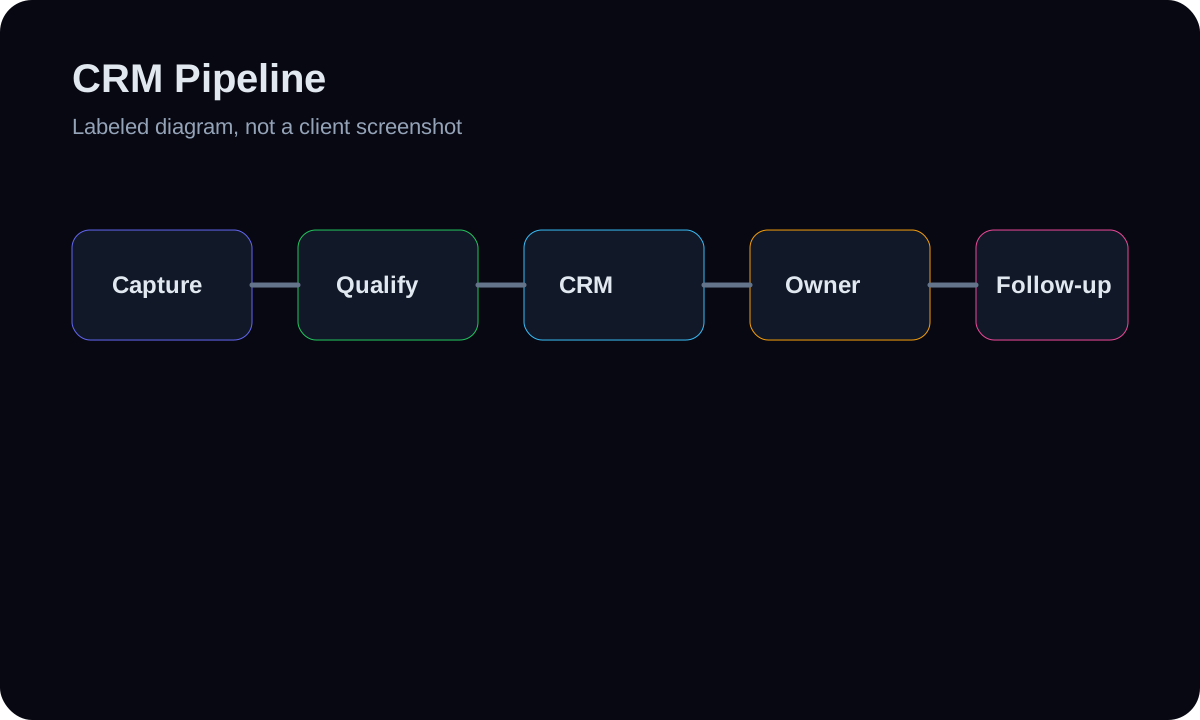
CRM pipeline workflow diagram
A labeled diagram for lead capture, qualification, CRM creation, owner assignment, and follow-up.
- GoHighLevel
- Supabase
- Zapier
- Webhooks
Verified proof
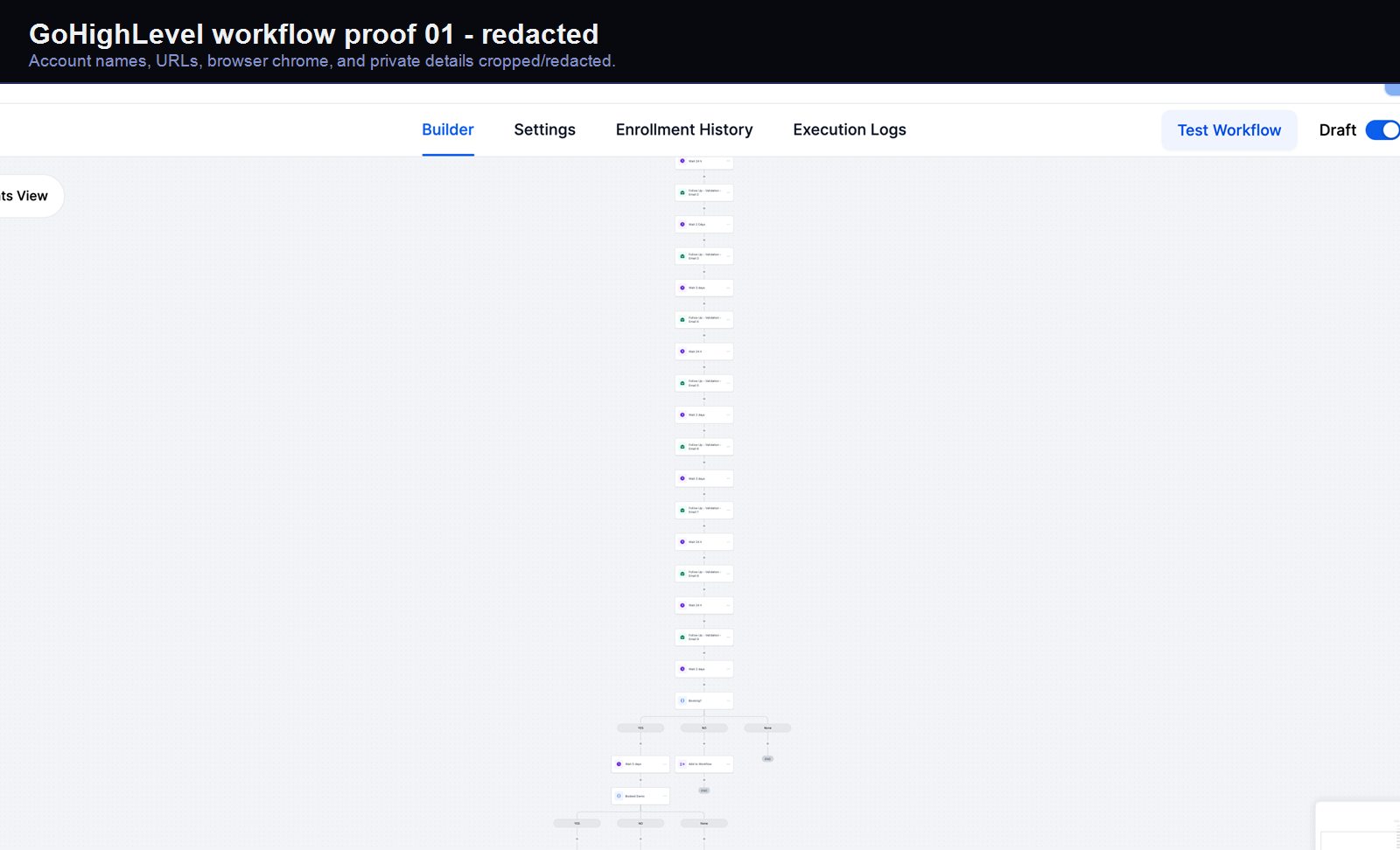
GoHighLevel qualification workflow #01
A real GoHighLevel workflow build from the HMX automation archive.
- GoHighLevel
- Workflow Builder
- CRM Automation
- Email/SMS Logic
Verified proof
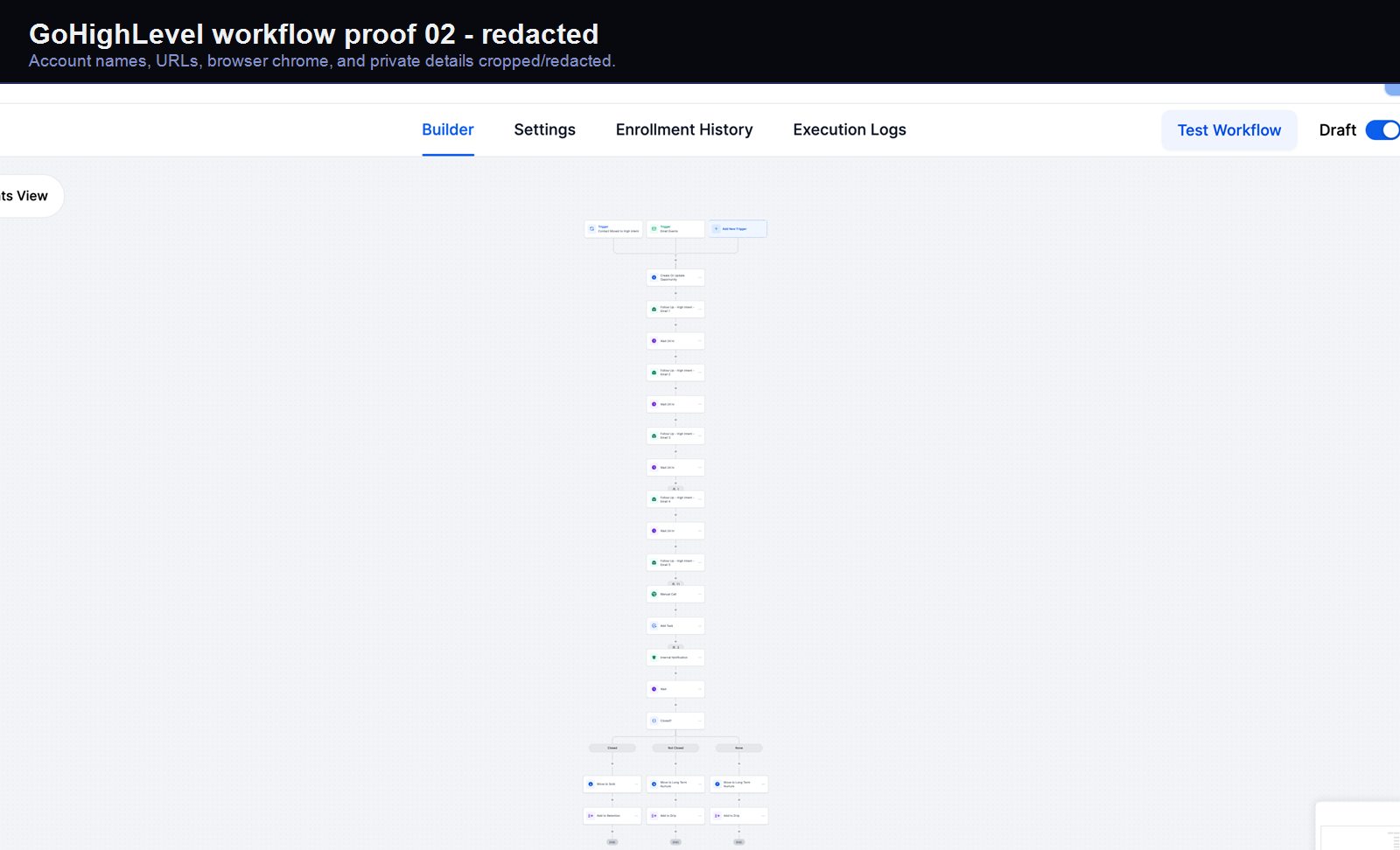
GoHighLevel qualification workflow #02
A real GoHighLevel workflow build from the HMX automation archive.
- GoHighLevel
- Workflow Builder
- CRM Automation
- Email/SMS Logic
Verified proof
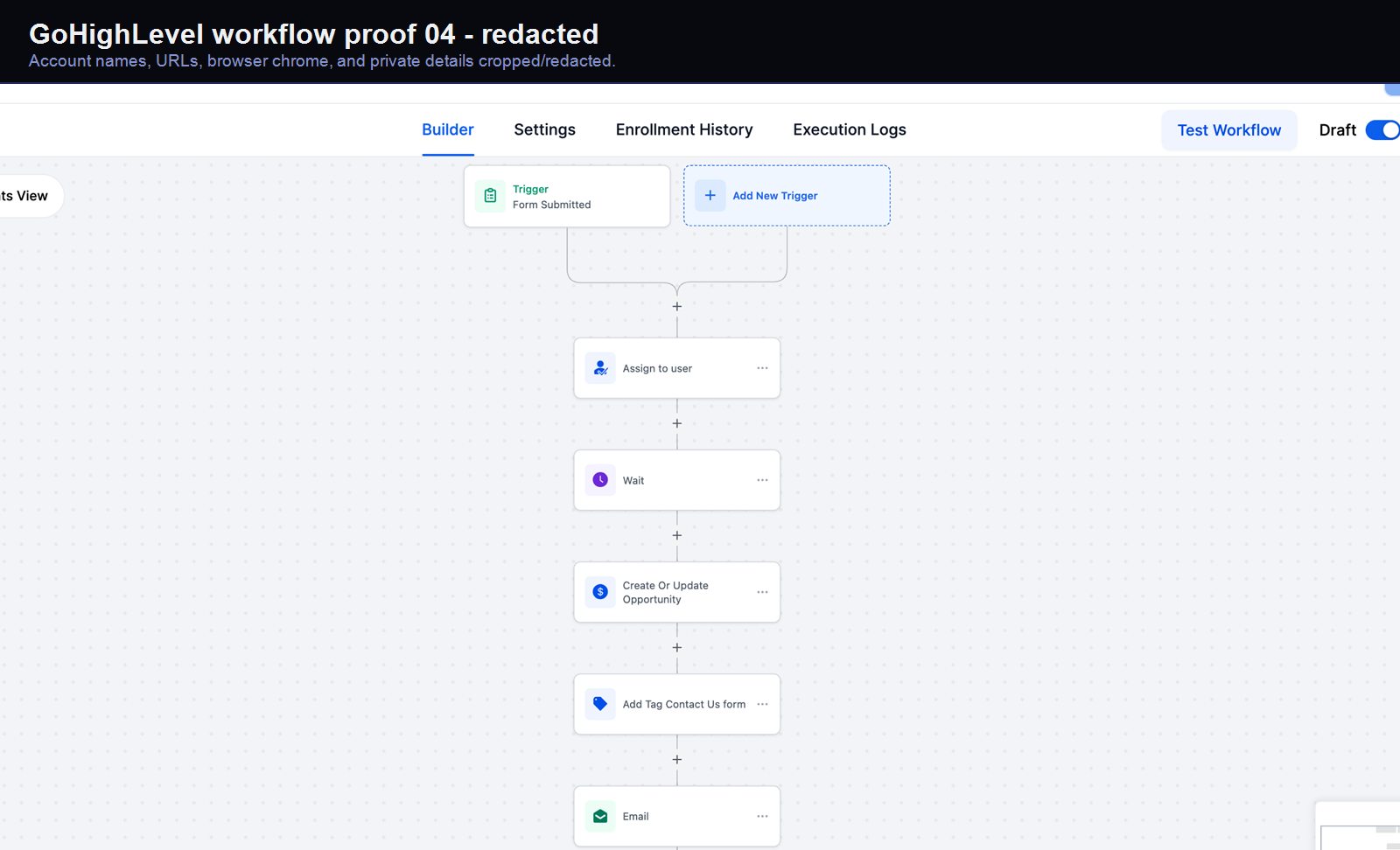
GoHighLevel lead-capture workflow #04
A real GoHighLevel workflow build from the HMX automation archive.
- GoHighLevel
- Workflow Builder
- CRM Automation
- Email/SMS Logic
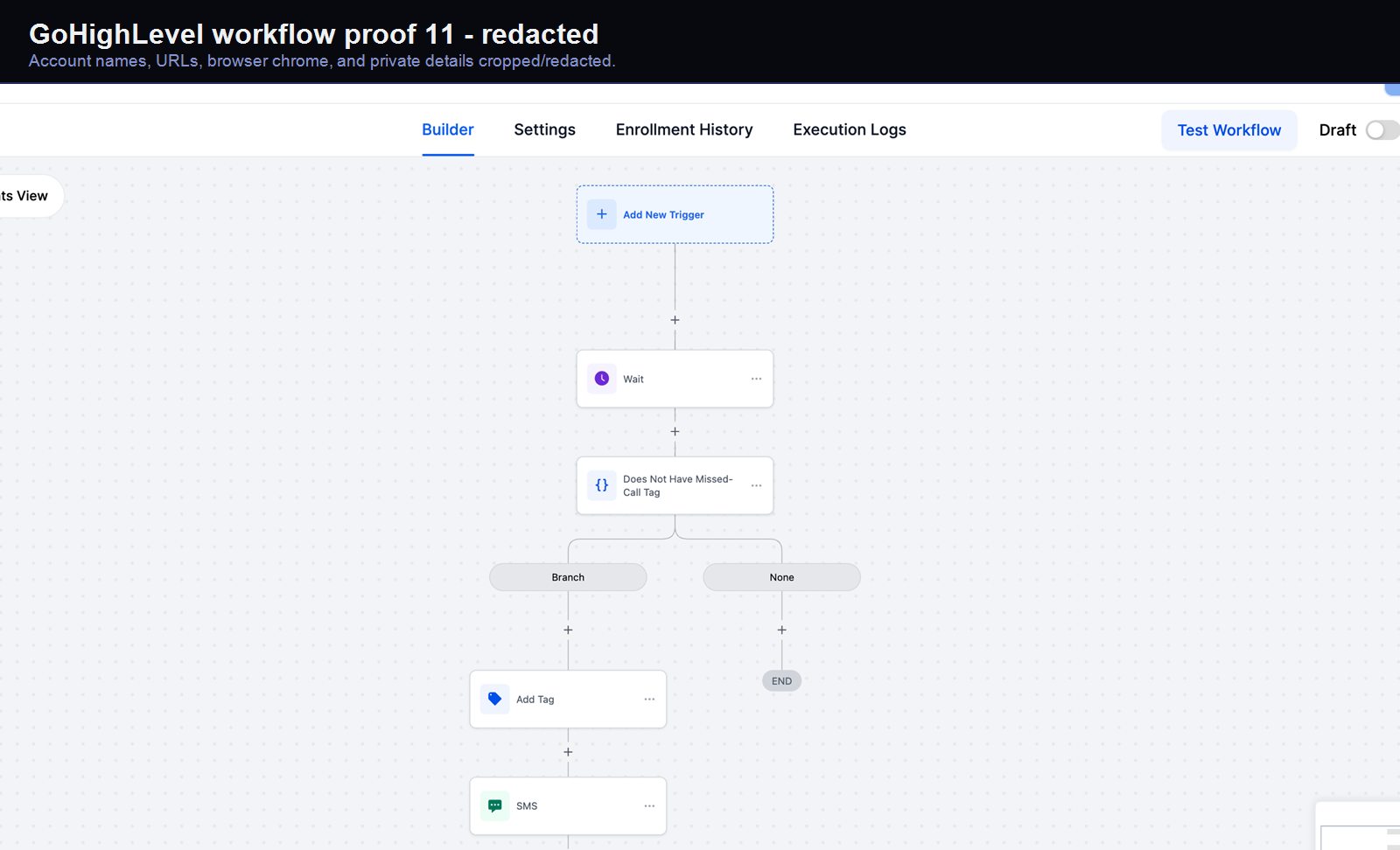
Verified proof
GoHighLevel lead-capture workflow #11
A real GoHighLevel workflow build from the HMX automation archive.
- GoHighLevel
- Workflow Builder
- CRM Automation
- Email/SMS Logic
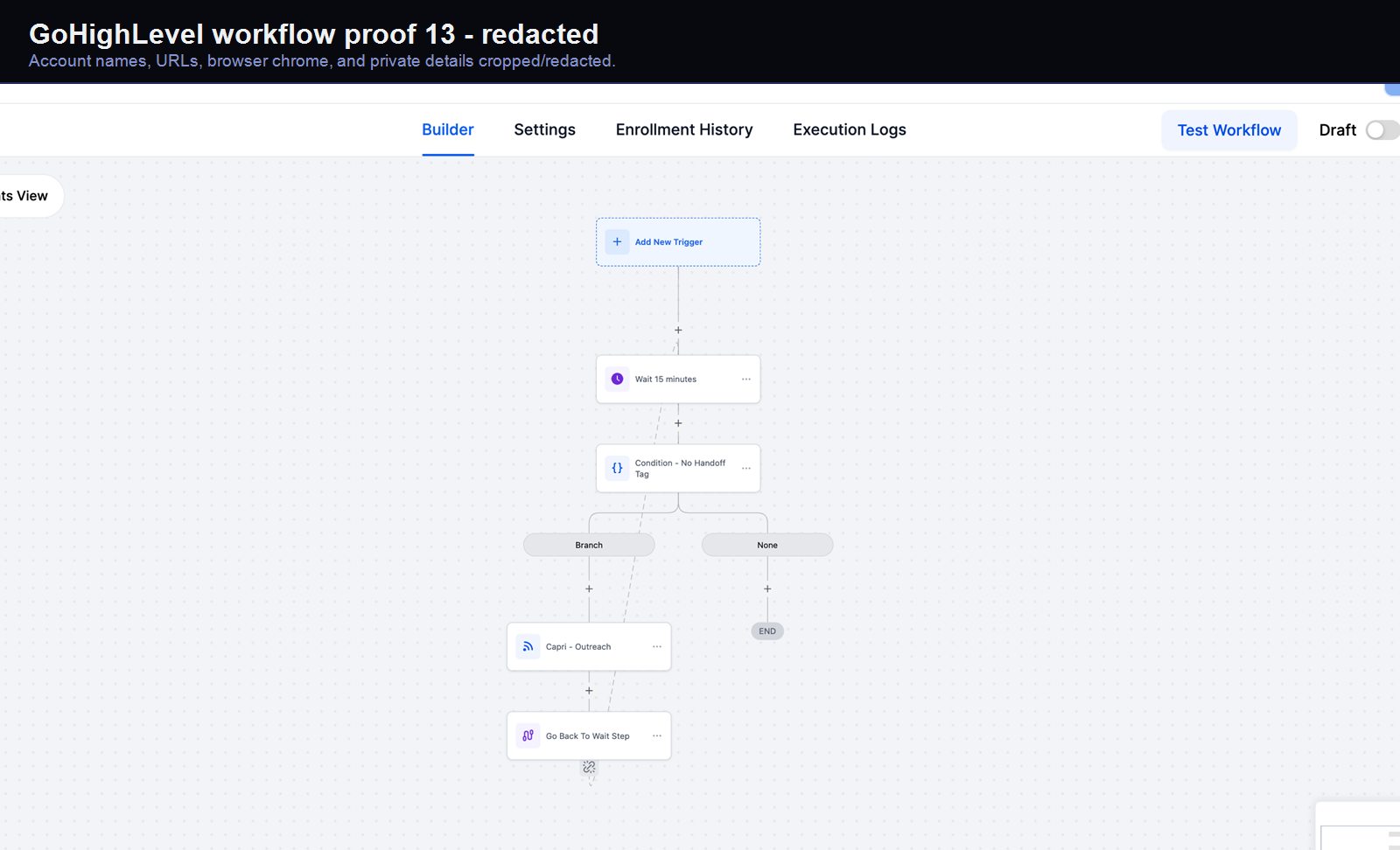
Verified proof
GoHighLevel lead-capture workflow #13
A real GoHighLevel workflow build from the HMX automation archive.
- GoHighLevel
- Workflow Builder
- CRM Automation
- Email/SMS Logic
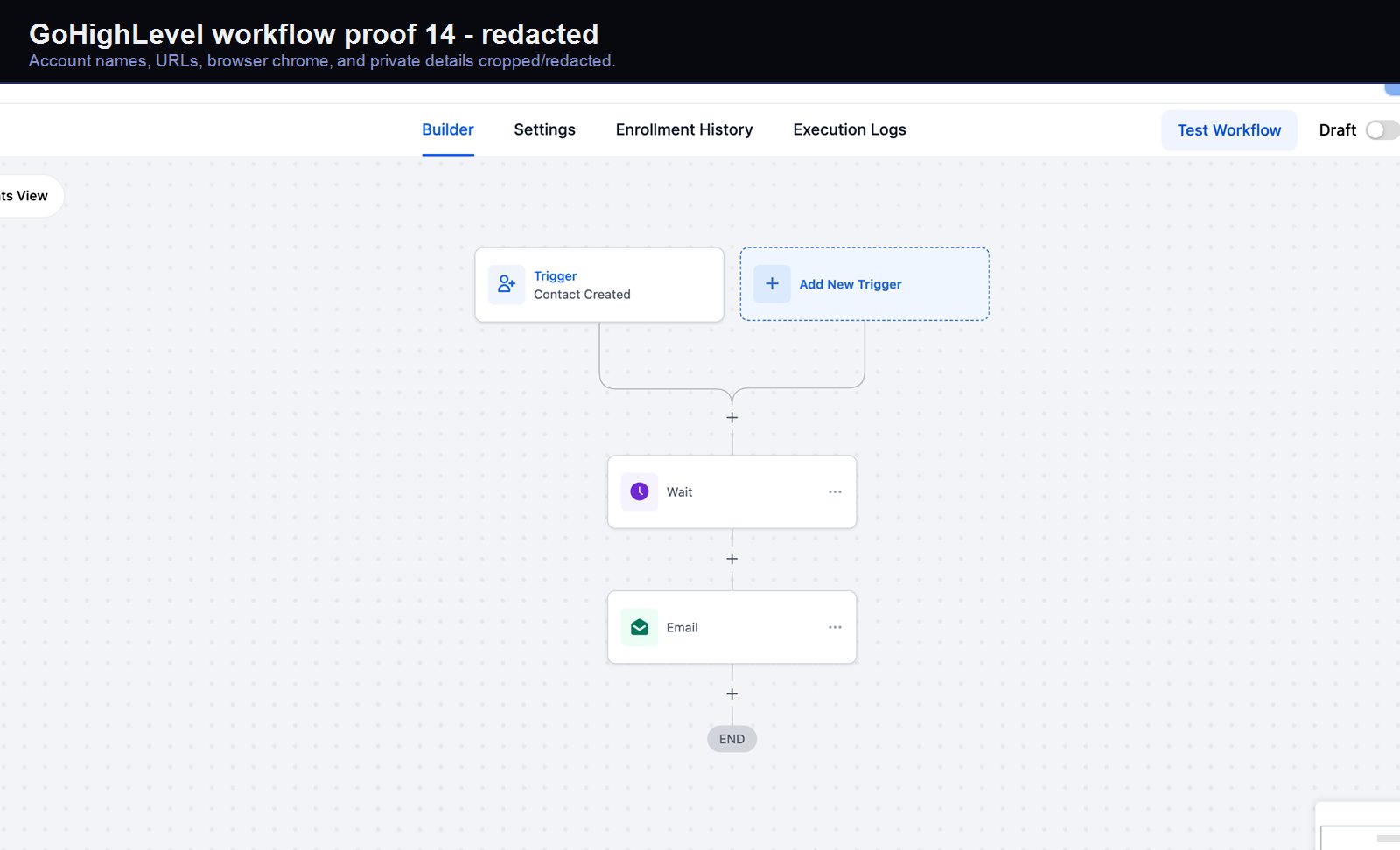
Verified proof
GoHighLevel lead-capture workflow #14
A real GoHighLevel workflow build from the HMX automation archive.
- GoHighLevel
- Workflow Builder
- CRM Automation
- Email/SMS Logic
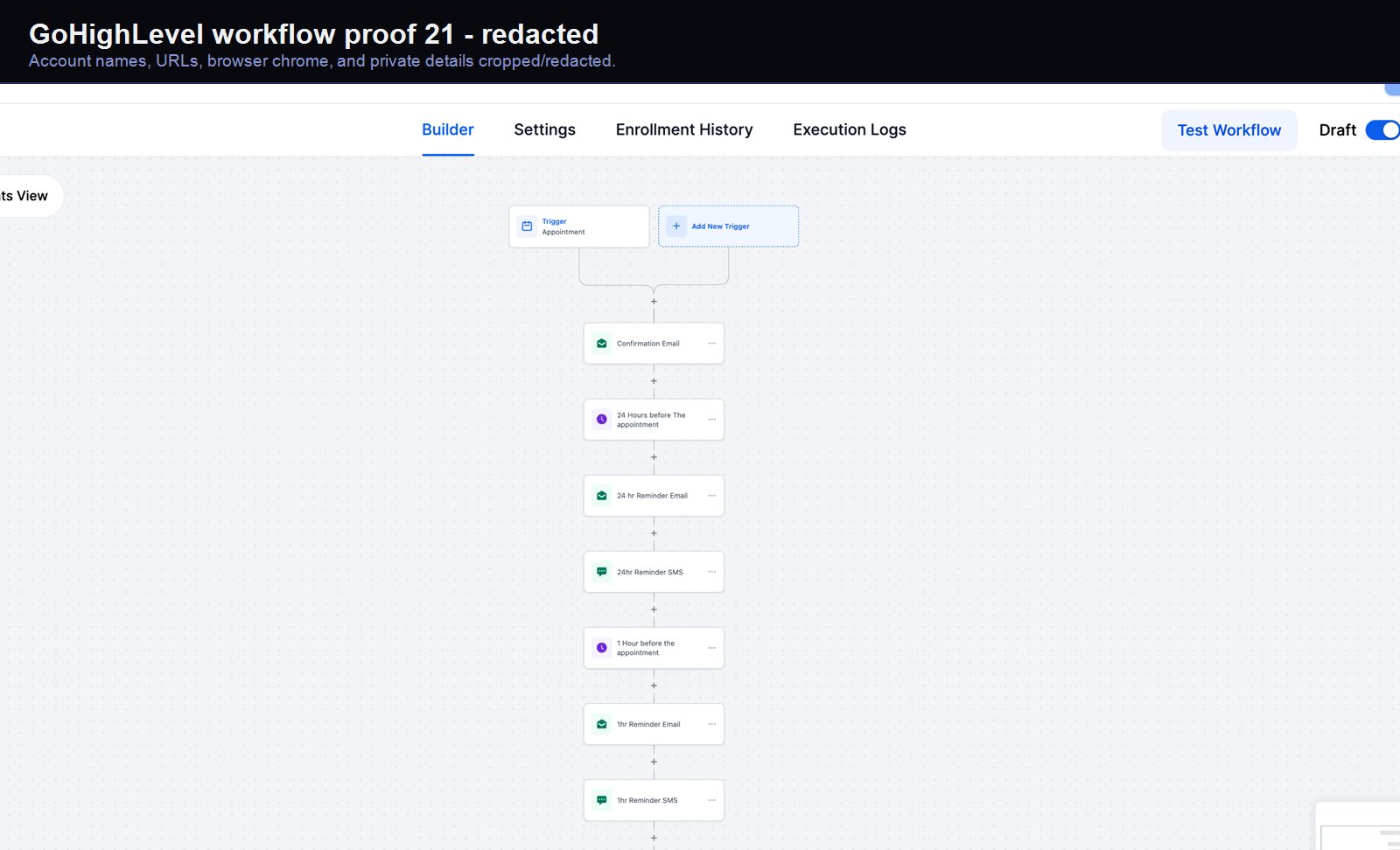
Verified proof
GoHighLevel lead-capture workflow #21
A real GoHighLevel workflow build from the HMX automation archive.
- GoHighLevel
- Workflow Builder
- CRM Automation
- Email/SMS Logic
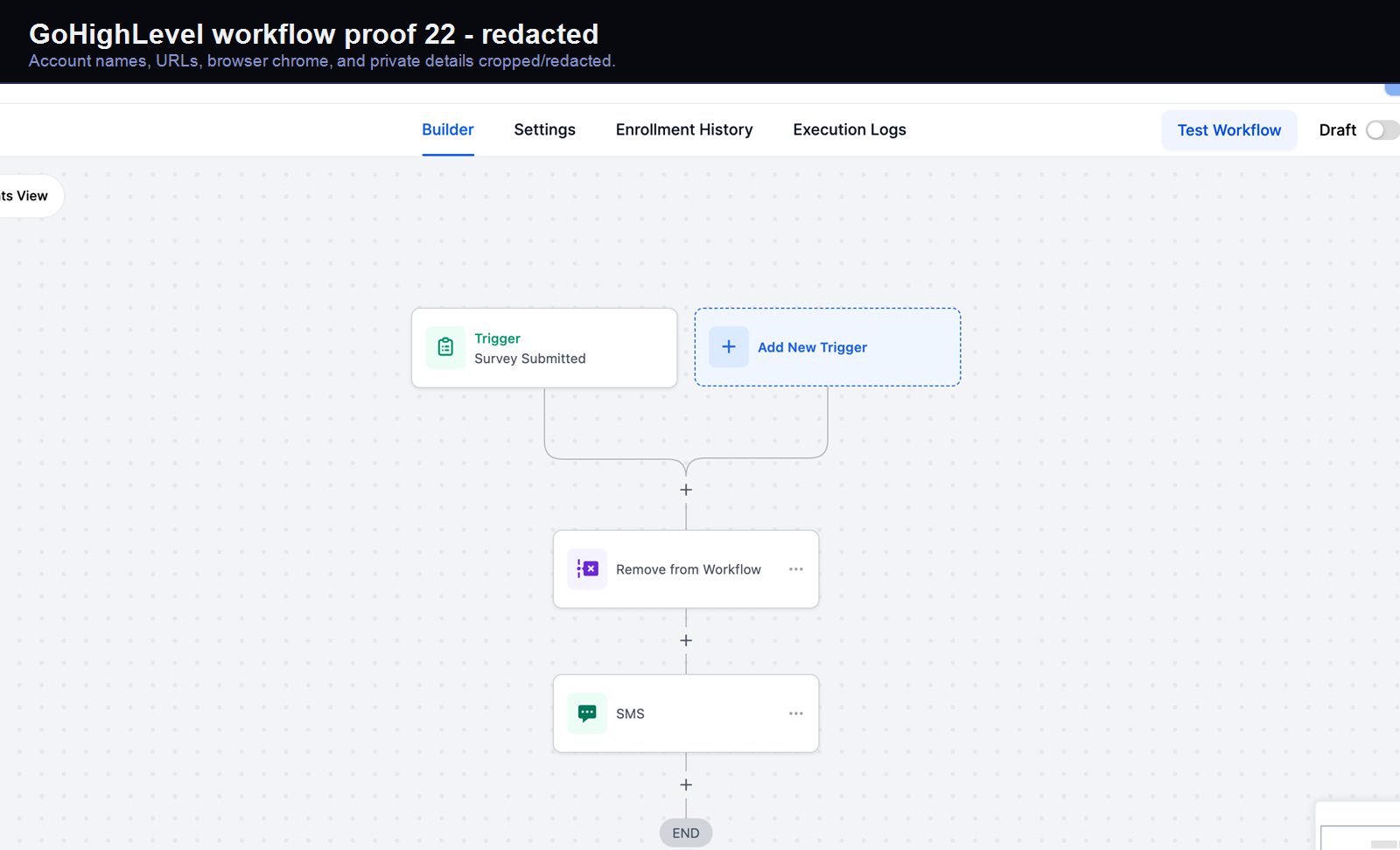
Verified proof
GoHighLevel lead-capture workflow #22
A real GoHighLevel workflow build from the HMX automation archive.
- GoHighLevel
- Workflow Builder
- CRM Automation
- Email/SMS Logic
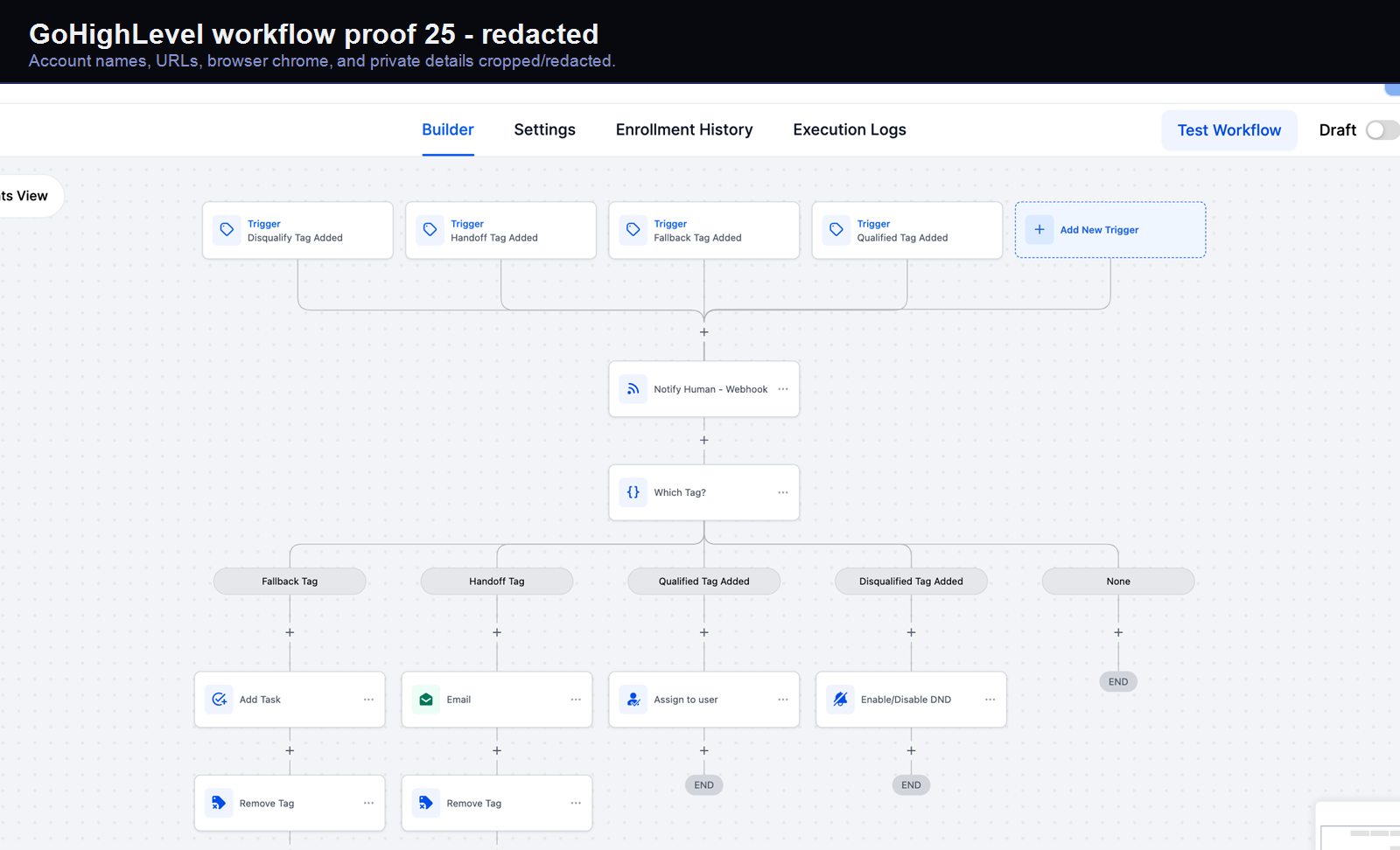
Verified proof
GoHighLevel lead-capture workflow #25
A real GoHighLevel workflow build from the HMX automation archive.
- GoHighLevel
- Workflow Builder
- CRM Automation
- Email/SMS Logic
Operating path
with the pipeline visible
A lead moves from intake to owner to booked stage.
- 01New lead
- 02Owner assigned
- 03Follow-up armed
- 04Booked stage
Ready to scope proof?
Real CRM screenshots and workflow artifacts, staged as operating evidence rather than a loose gallery.