Medium Dashboards system

Admin & System Monitoring Report

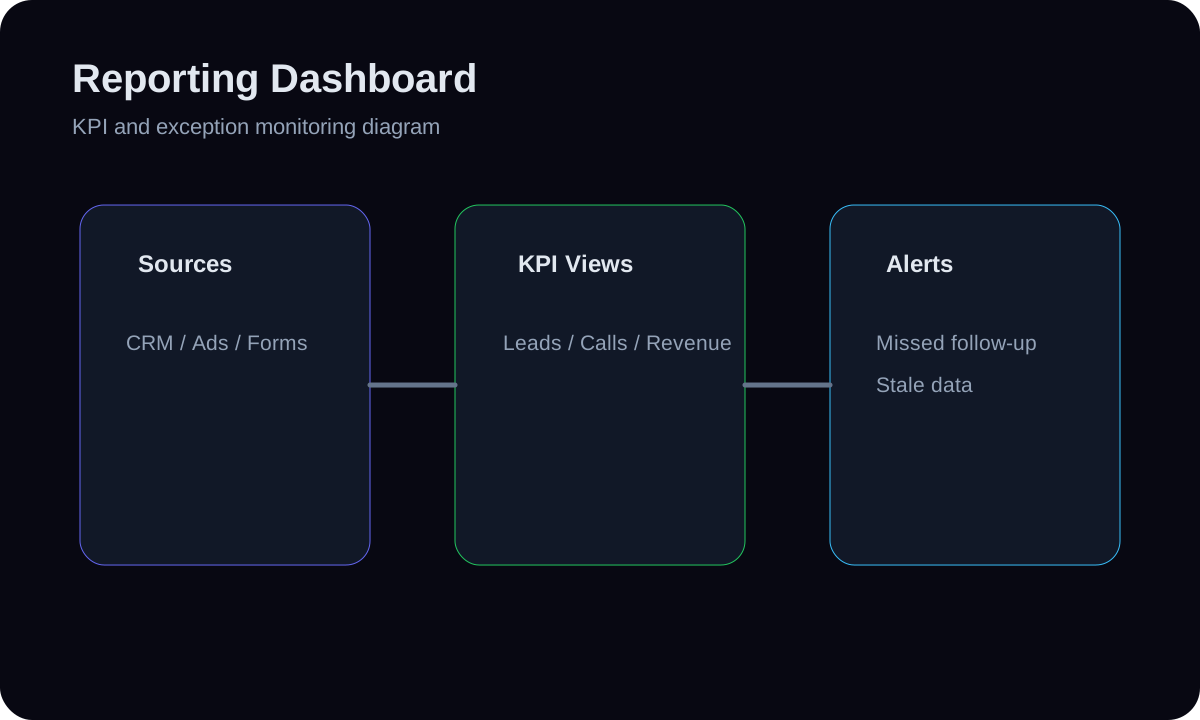
An internal operations dashboard for the people running the system — recent admin actions (audit log), route health checks, critical monitoring events, error/spam spikes, and rate-limit hits — so the operator's own platform is observable, not just the business funnel. It consolidates admin_audit_log, monitoring_route_checks, and monitoring_events into one operational read. This is the run-the-system view that complements the run-the-business dashboards.

4 to 8 days
timeline
Medium
complexity
4
tools
4
steps

Built with real HMX dashboard tool paths

Supabase Postgresadmin_audit_log / monitoring_route_checks / monitoring_eventsNext.js 16 admin (HMAC session)Existing lib/monitoring.tsSupabase Postgresadmin_audit_log / monitoring_route_checks / monitoring_eventsNext.js 16 admin (HMAC session)Existing lib/monitoring.ts

01 // System facts

System facts

Admin & System Monitoring Report uses a reporting model and review layer for Dashboards. An internal operations dashboard for the people running the system — recent admin actions (audit log), route health checks, critical monitoring eve... The architecture connects the operator signals to, supabase postgres, admin_audit_log /, and dashboard action with an explicit control path.

Outcome

Operators get one observable view of system and admin activity — failed routes, security spikes, and who changed what — so platform problems and suspicious activity are caught early instead of discovered after impact.

Main risk

Surfacing audit/security data widens exposure; if access isn't tightly controlled it leaks sensitive operational detail.

Prevention

Keep the report strictly behind the existing HMAC admin session (proxy-protected /admin/*), show no lead PII or secrets in it, and log access via the audit trail itself.

Fallback

If full event coverage is incomplete, ship the route-health and admin-audit portions first (which are reliably populated) and add event/spike panels as instrumentation matures.

System architecture

Admin & System Monitoring Report Architecture

6 nodes
the operator signals to
SQL/queries for failed-route
Supabase Postgres
admin_audit_log /
Review Queue
Dashboard Action
  1. 01the operator signals to

    An internal operations dashboard for the people running the system — recent admin actions (audit log), route health checks, critical monitoring eve...

  2. 02SQL/queries for failed-route

    Write SQL/queries for failed-route count, critical-event count, last-hour turnstile failures and rate-limit events, and the latest admin audit entries.

  3. 03Supabase Postgres

    Supabase Postgres contributes the trusted model for Admin & System Monitoring Report so metrics are defined before they are visualized.

  4. 04admin_audit_log /

    Build an ops report (server component, same family as app/admin/monitoring) with a health header (routes ok, critical events, security spikes) and recent-activity lists for events and admin actions.

  5. 05Review Queue

    If full event coverage is incomplete, ship the route-health and admin-audit portions first (which are reliably populated) and add event/spike panel...

  6. 06Dashboard Action

    Operators get one observable view of system and admin activity — failed routes, security spikes, and who changed what — so platform problems and su...

How it is built

Build steps

An internal operations dashboard for the people running the system — recent admin actions (audit log), route health checks, critical monitoring events, error/spam spikes, and rate-limit hits — so the operator's own platform is observable, not just the business funnel. It consolidates admin_audit_log, monitoring_route_checks, and monitoring_events into one operational read. This is the run-the-system view that complements the run-the-business dashboards.

  1. 01Define the operator signals to surface: failed route checks, critical/severity events, recent admin audit actions, turnstile/rate-limit spikes — reusing the fields already aggregated in lib/monitoring.ts.
  2. 02Write SQL/queries for failed-route count, critical-event count, last-hour turnstile failures and rate-limit events, and the latest admin audit entries.
  3. 03Build an ops report (server component, same family as app/admin/monitoring) with a health header (routes ok, critical events, security spikes) and recent-activity lists for events and admin actions.
  4. 04Add threshold highlights (e.g. turnstileFailureSpike when >=5/hour, any failed route) so security or availability issues are flagged the moment the page is opened, behind the existing admin auth.

Tools

Workflow surface

  • Supabase Postgres
  • admin_audit_log / monitoring_route_checks / monitoring_events
  • Next.js 16 admin (HMAC session)
  • Existing lib/monitoring.ts
  • Inputs layer: Define the operator signals to surface: failed route checks, critical/severity events, recent admin audit actions, turnstile/rate-limit spikes — reusing the fields already aggregated in lib/monitoring.ts.
  • Transform layer: Write SQL/queries for failed-route count, critical-event count, last-hour turnstile failures and rate-limit events, and the latest admin audit entries.
  • Metrics layer: Supabase Postgres contributes the trusted model for Admin & System Monitoring Report so metrics are defined before they are visualized.
  • Visualization layer: admin_audit_log / monitoring_route_checks / monitoring_events handles refresh, review, or reporting delivery while keep the report strictly behind the existing HMAC admin session (proxy-protected /admin/*), show no lead PII or secrets in it, and log access via t...
  • Action layer: Operators get one observable view of system and admin activity — failed routes, security spikes, and who changed what — so platform problems and su...

Data flow

  1. 01Define the operator signals to surface: failed route checks, critical/severity events, recent admin audit actions, turnstile/rate-limit spikes — reusing the fields already aggregated in lib/monitoring.ts.
  2. 02Write SQL/queries for failed-route count, critical-event count, last-hour turnstile failures and rate-limit events, and the latest admin audit entries.
  3. 03Build an ops report (server component, same family as app/admin/monitoring) with a health header (routes ok, critical events, security spikes) and recent-activity lists for events and admin actions.
  4. 04Add threshold highlights (e.g. turnstileFailureSpike when >=5/hour, any failed route) so security or availability issues are flagged the moment the page is opened, behind the existing admin auth.

Controls and fallbacks

  • Surfacing audit/security data widens exposure; if access isn't tightly controlled it leaks sensitive operational detail.
  • Keep the report strictly behind the existing HMAC admin session (proxy-protected /admin/*), show no lead PII or secrets in it, and log access via t...
  • If full event coverage is incomplete, ship the route-health and admin-audit portions first (which are reliably populated) and add event/spike panel...