High Dashboards system

Automation Health Monitor

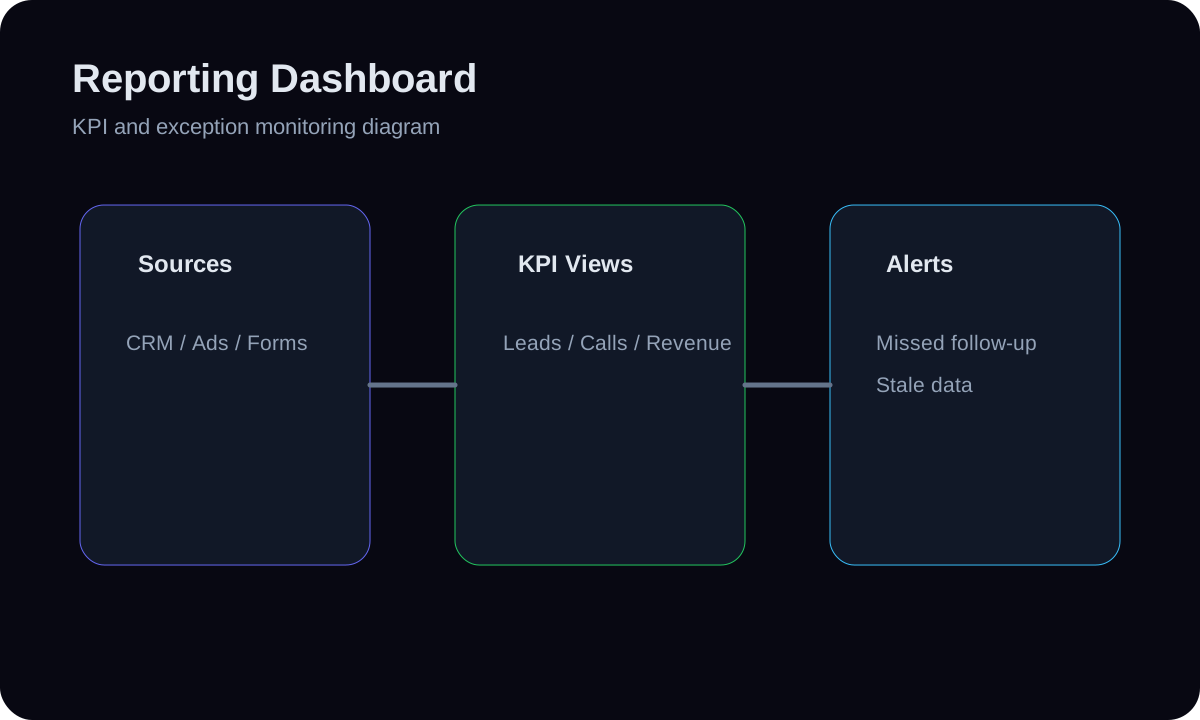
A monitoring dashboard for the automations that keep the funnel alive — admin-notified, auto-reply-sent, webhook processed, scheduled job ran — showing success/failure counts, last-success timestamps, and gaps where an expected automation didn't fire. It reads the monitoring_events table and the lead notification fields to answer 'is the plumbing actually running?'. It reports on automations; it does not build or run them.

5 to 9 days
timeline
High
complexity
5
tools
4
steps

Built with real HMX dashboard tool paths

Supabase Postgresmonitoring_events tableSQL viewsNext.js 16 server componentsResend (alert email path)Supabase Postgresmonitoring_events tableSQL viewsNext.js 16 server componentsResend (alert email path)

01 // System facts

System facts

Automation Health Monitor uses a reporting model and review layer for Dashboards. A monitoring dashboard for the automations that keep the funnel alive — admin-notified, auto-reply-sent, webhook processed, scheduled job ran — sho... The architecture connects inventory the critical, supabase postgres, monitoring_events table, and owner review with an explicit control path.

Outcome

Silent automation failures get caught fast — owners see at a glance whether reminders, alerts, and replies are firing, so a broken webhook doesn't quietly cost leads for days.

Main risk

A monitor that only knows about successes can show all-green while an automation that never ran leaves no failure row — absence of signal misread as health.

Prevention

Model expected cadence and alert on 'no success within window' (not just on logged errors), and use the lead-field gap checks so missing notifications are detected even when nothing errored.

Fallback

If event coverage is incomplete, fall back to the lead-field gap counts (notifications missing on non-partial leads) as the primary health signal and expand event instrumentation as the next step.

System architecture

Automation Health Monitor Architecture

6 nodes
Inventory the critical
SQL that
Supabase Postgres
monitoring_events table
Review Queue
Owner Review
  1. 01Inventory the critical

    A monitoring dashboard for the automations that keep the funnel alive — admin-notified, auto-reply-sent, webhook processed, scheduled job ran — sho...

  2. 02SQL that

    Write SQL that, per automation, returns last-success time, failures in the last hour/day, and a 'gap' flag for non-partial leads missing an expected notification (mirrors the existing countNotificationGaps logic).

  3. 03Supabase Postgres

    Supabase Postgres contributes the trusted model for Automation Health Monitor so metrics are defined before they are visualized.

  4. 04monitoring_events table

    Build a health panel (server component) with a green/amber/red row per automation, last-run age, and a recent-failures list pulled from monitoring_events.

  5. 05Review Queue

    If event coverage is incomplete, fall back to the lead-field gap counts (notifications missing on non-partial leads) as the primary health signal a...

  6. 06Owner Review

    Silent automation failures get caught fast — owners see at a glance whether reminders, alerts, and replies are firing, so a broken webhook doesn't...

How it is built

Build steps

A monitoring dashboard for the automations that keep the funnel alive — admin-notified, auto-reply-sent, webhook processed, scheduled job ran — showing success/failure counts, last-success timestamps, and gaps where an expected automation didn't fire. It reads the monitoring_events table and the lead notification fields to answer 'is the plumbing actually running?'. It reports on automations; it does not build or run them.

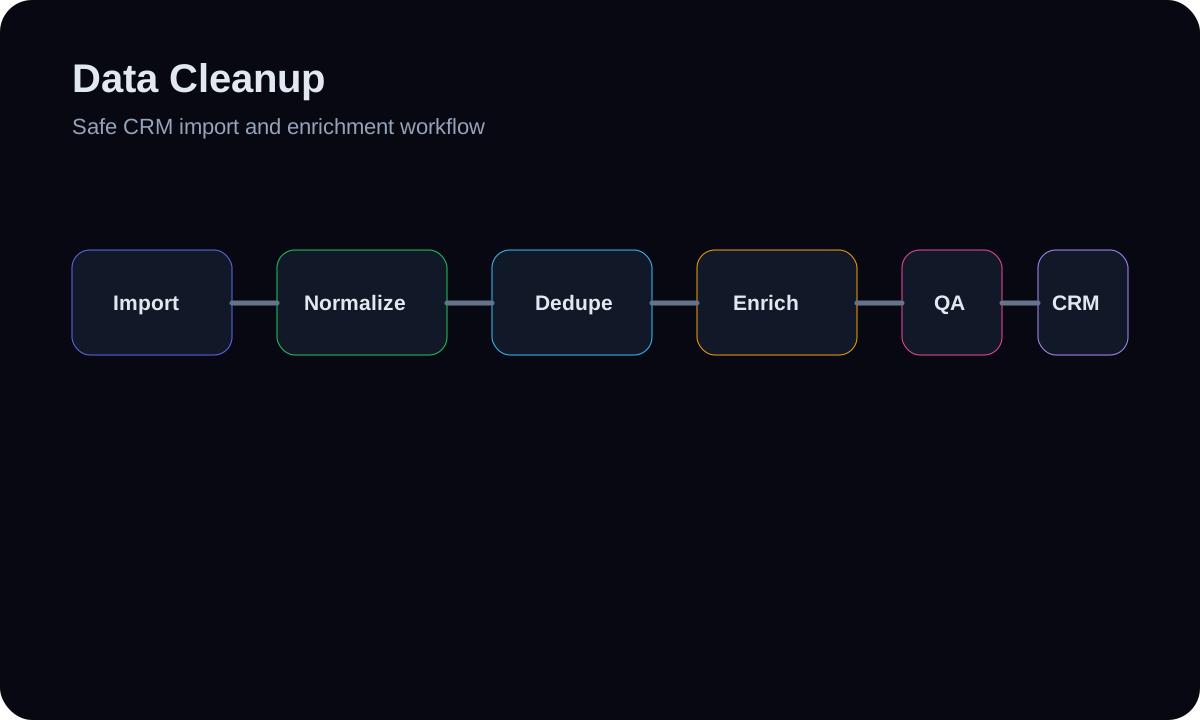
  1. 01Inventory the critical automations and their proof-of-life signal: e.g. leads.admin_notified_at, leads.auto_reply_sent_at, monitoring_events rows per job, and Cal.com webhook receipts.
  2. 02Write SQL that, per automation, returns last-success time, failures in the last hour/day, and a 'gap' flag for non-partial leads missing an expected notification (mirrors the existing countNotificationGaps logic).
  3. 03Build a health panel (server component) with a green/amber/red row per automation, last-run age, and a recent-failures list pulled from monitoring_events.
  4. 04Wire a threshold so a stale automation (no success in X minutes) or a failure spike raises a visible alert, optionally pushed to the existing report/email path.

Tools

Workflow surface

  • Supabase Postgres
  • monitoring_events table
  • SQL views
  • Next.js 16 server components
  • Resend (alert email path)
  • Inputs layer: Inventory the critical automations and their proof-of-life signal: e.g. leads.admin_notified_at, leads.auto_reply_sent_at, monitoring_events rows per job, and Cal.com webhook receipts.
  • Transform layer: Write SQL that, per automation, returns last-success time, failures in the last hour/day, and a 'gap' flag for non-partial leads missing an expected notification (mirrors the existing countNotificationGaps logic).
  • Metrics layer: Supabase Postgres contributes the trusted model for Automation Health Monitor so metrics are defined before they are visualized.
  • Visualization layer: monitoring_events table handles refresh, review, or reporting delivery while model expected cadence and alert on 'no success within window' (not just on logged errors), and use the lead-field gap checks so missing notificati...
  • Action layer: Silent automation failures get caught fast — owners see at a glance whether reminders, alerts, and replies are firing, so a broken webhook doesn't...

Data flow

  1. 01Inventory the critical automations and their proof-of-life signal: e.g. leads.admin_notified_at, leads.auto_reply_sent_at, monitoring_events rows per job, and Cal.com webhook receipts.
  2. 02Write SQL that, per automation, returns last-success time, failures in the last hour/day, and a 'gap' flag for non-partial leads missing an expected notification (mirrors the existing countNotificationGaps logic).
  3. 03Build a health panel (server component) with a green/amber/red row per automation, last-run age, and a recent-failures list pulled from monitoring_events.
  4. 04Wire a threshold so a stale automation (no success in X minutes) or a failure spike raises a visible alert, optionally pushed to the existing report/email path.

Controls and fallbacks

  • A monitor that only knows about successes can show all-green while an automation that never ran leaves no failure row — absence of signal misread a...
  • Model expected cadence and alert on 'no success within window' (not just on logged errors), and use the lead-field gap checks so missing notificati...
  • If event coverage is incomplete, fall back to the lead-field gap counts (notifications missing on non-partial leads) as the primary health signal a...