Low Dashboards system

Subscriber & Waitlist Analytics Board

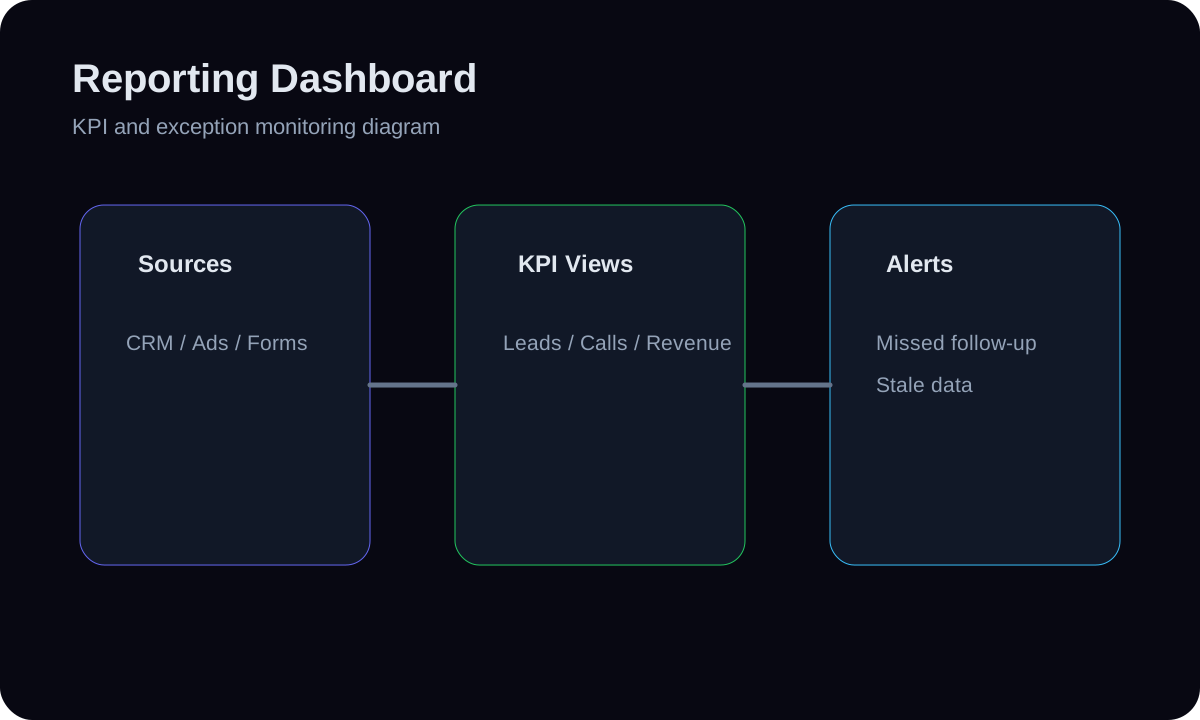
An analytics board for the newsletter/waitlist audience — net subscriber growth, new vs unsubscribed per period, source of signups, and confirmation/active rate — so list health is tracked as a curve, not a single ever-growing vanity count. It reads the subscribers table (subscribed_at, status, source) and frames growth honestly including churn. Reporting over the existing subscribe flow; it does not send campaigns.

3 to 6 days
timeline
Low
complexity
4
tools
4
steps

Built with real HMX dashboard tool paths

Supabase Postgressubscribers tableSQL aggregationNext.js 16 server componentsSupabase Postgressubscribers tableSQL aggregationNext.js 16 server components

01 // System facts

System facts

Subscriber & Waitlist Analytics Board uses a reporting model and review layer for Dashboards. An analytics board for the newsletter/waitlist audience — net subscriber growth, new vs unsubscribed per period, source of signups, and confirmatio... The architecture connects list-health metrics with the, supabase postgres, subscribers table, and dashboard action with an explicit control path.

Outcome

Honest list health at a glance — net growth net of churn, where signups come from, and how many actually confirm — so the audience number reflects reality rather than a number that only goes up.

Main risk

Reporting only gross signups hides churn and inflated/duplicate or unconfirmed emails, overstating real reachable audience.

Prevention

Always net out unsubscribes/bounces, report active/confirmed rate alongside gross, and dedupe by email so the same address isn't counted twice.

Fallback

If unsubscribe/bounce status isn't captured cleanly, report gross signups and source split with a clear 'churn not yet tracked' note, and add status tracking as the next step.

System architecture

Subscriber & Waitlist Analytics Architecture

6 nodes
list-health metrics with the
SQL over subscribers for
Supabase Postgres
subscribers table
Review Queue
Dashboard Action
  1. 01list-health metrics with the

    An analytics board for the newsletter/waitlist audience — net subscriber growth, new vs unsubscribed per period, source of signups, and confirmatio...

  2. 02SQL over subscribers for

    Write SQL over subscribers for daily/weekly new and removed counts, a running net total, and active-rate (confirmed-or-active / total), using subscribed_at and status.

  3. 03Supabase Postgres

    Supabase Postgres contributes the trusted model for Subscriber & Waitlist Analytics so metrics are defined before they are visualized.

  4. 04subscribers table

    Build a board (server component) with a net-growth line, a new-vs-removed bar, and a source breakdown; default to a rolling window with a selector.

  5. 05Review Queue

    If unsubscribe/bounce status isn't captured cleanly, report gross signups and source split with a clear 'churn not yet tracked' note, and add statu...

  6. 06Dashboard Action

    Honest list health at a glance — net growth net of churn, where signups come from, and how many actually confirm — so the audience number reflects...

How it is built

Build steps

An analytics board for the newsletter/waitlist audience — net subscriber growth, new vs unsubscribed per period, source of signups, and confirmation/active rate — so list health is tracked as a curve, not a single ever-growing vanity count. It reads the subscribers table (subscribed_at, status, source) and frames growth honestly including churn. Reporting over the existing subscribe flow; it does not send campaigns.

  1. 01Define list-health metrics with the owner: net growth, gross new, unsubscribes/bounces, confirmation/active rate, and signup source split.
  2. 02Write SQL over subscribers for daily/weekly new and removed counts, a running net total, and active-rate (confirmed-or-active / total), using subscribed_at and status.
  3. 03Build a board (server component) with a net-growth line, a new-vs-removed bar, and a source breakdown; default to a rolling window with a selector.
  4. 04Add a churn-spike flag (unsubs above normal in a period) so a problematic send or list issue surfaces instead of hiding inside a rising gross count.

Tools

Workflow surface

  • Supabase Postgres
  • subscribers table
  • SQL aggregation
  • Next.js 16 server components
  • Inputs layer: Define list-health metrics with the owner: net growth, gross new, unsubscribes/bounces, confirmation/active rate, and signup source split.
  • Transform layer: Write SQL over subscribers for daily/weekly new and removed counts, a running net total, and active-rate (confirmed-or-active / total), using subscribed_at and status.
  • Metrics layer: Supabase Postgres contributes the trusted model for Subscriber & Waitlist Analytics so metrics are defined before they are visualized.
  • Visualization layer: subscribers table handles refresh, review, or reporting delivery while always net out unsubscribes/bounces, report active/confirmed rate alongside gross, and dedupe by email so the same address isn't counted twice.
  • Action layer: Honest list health at a glance — net growth net of churn, where signups come from, and how many actually confirm — so the audience number reflects...

Data flow

  1. 01Define list-health metrics with the owner: net growth, gross new, unsubscribes/bounces, confirmation/active rate, and signup source split.
  2. 02Write SQL over subscribers for daily/weekly new and removed counts, a running net total, and active-rate (confirmed-or-active / total), using subscribed_at and status.
  3. 03Build a board (server component) with a net-growth line, a new-vs-removed bar, and a source breakdown; default to a rolling window with a selector.
  4. 04Add a churn-spike flag (unsubs above normal in a period) so a problematic send or list issue surfaces instead of hiding inside a rising gross count.

Controls and fallbacks

  • Reporting only gross signups hides churn and inflated/duplicate or unconfirmed emails, overstating real reachable audience.
  • Always net out unsubscribes/bounces, report active/confirmed rate alongside gross, and dedupe by email so the same address isn't counted twice.
  • If unsubscribe/bounce status isn't captured cleanly, report gross signups and source split with a clear 'churn not yet tracked' note, and add statu...